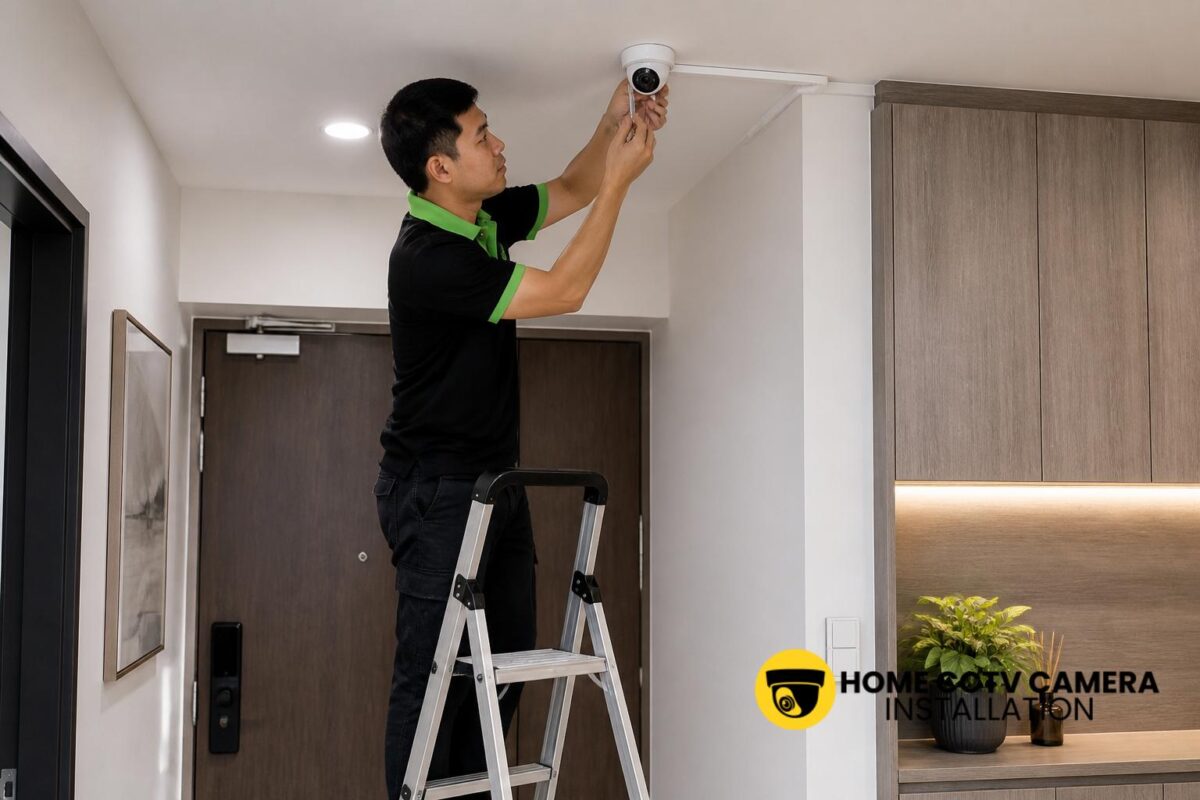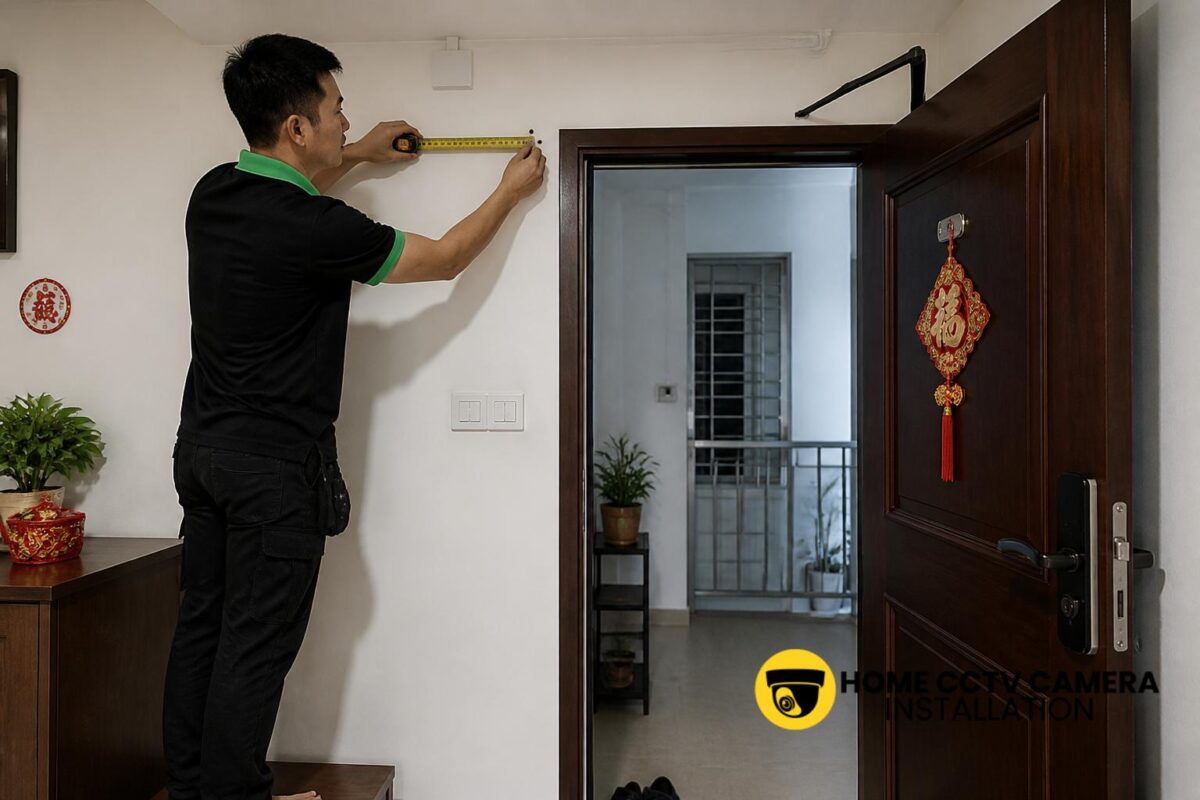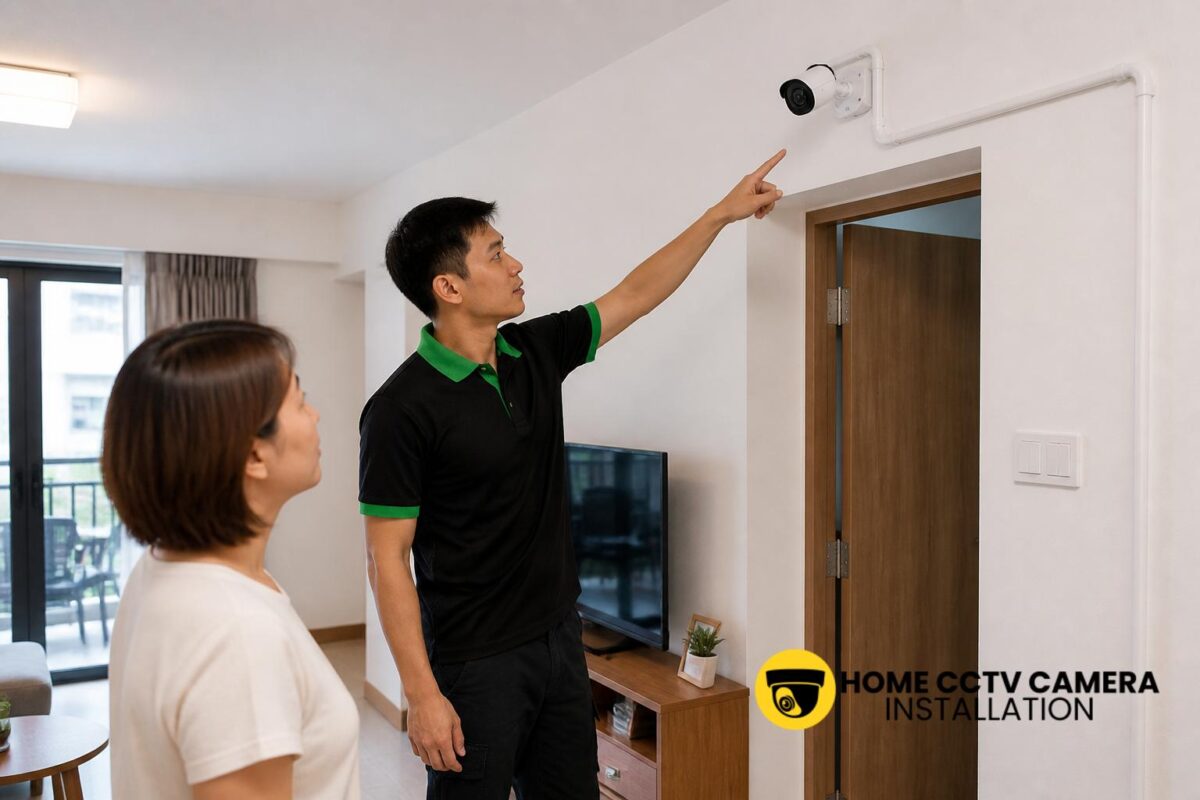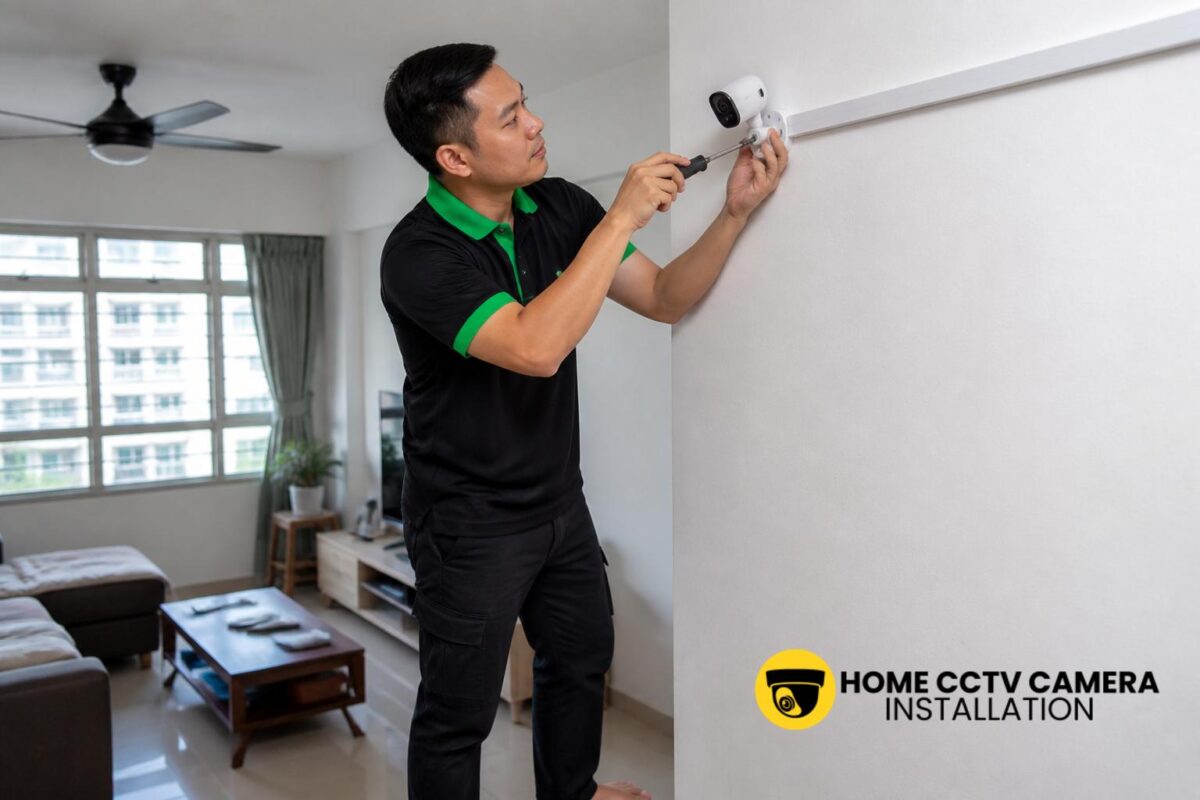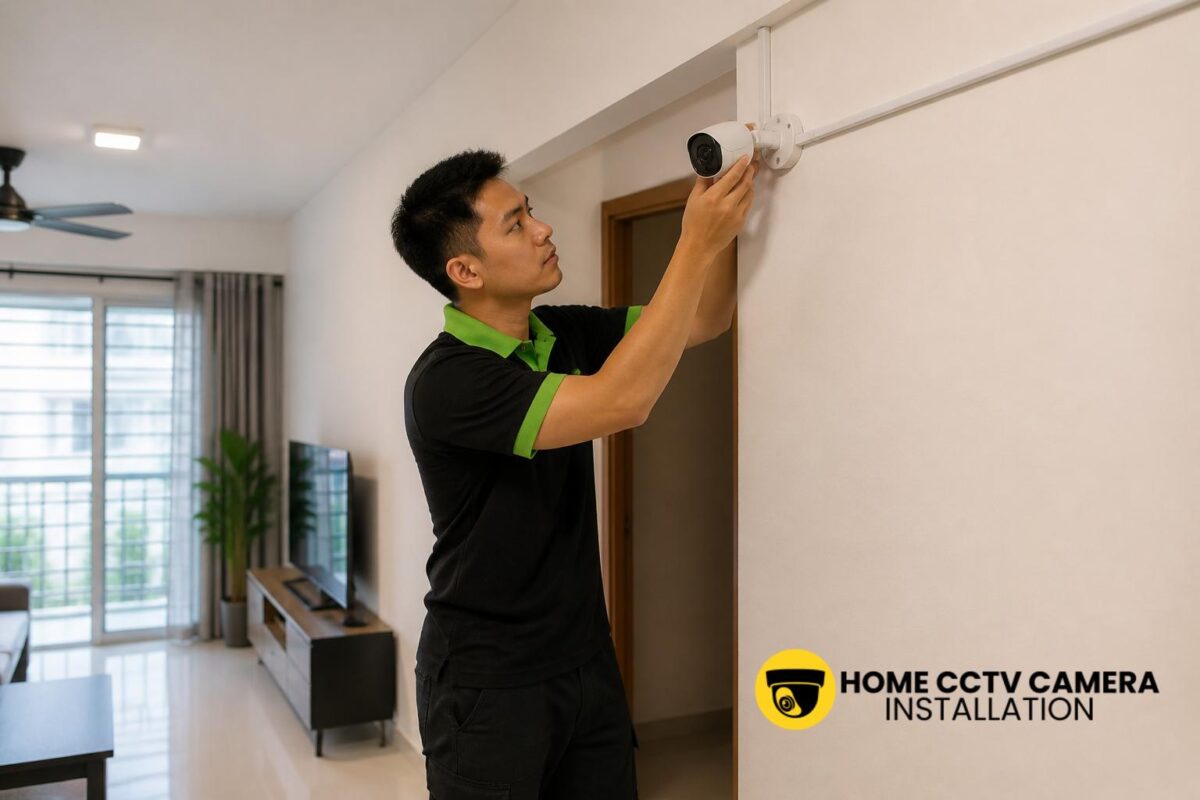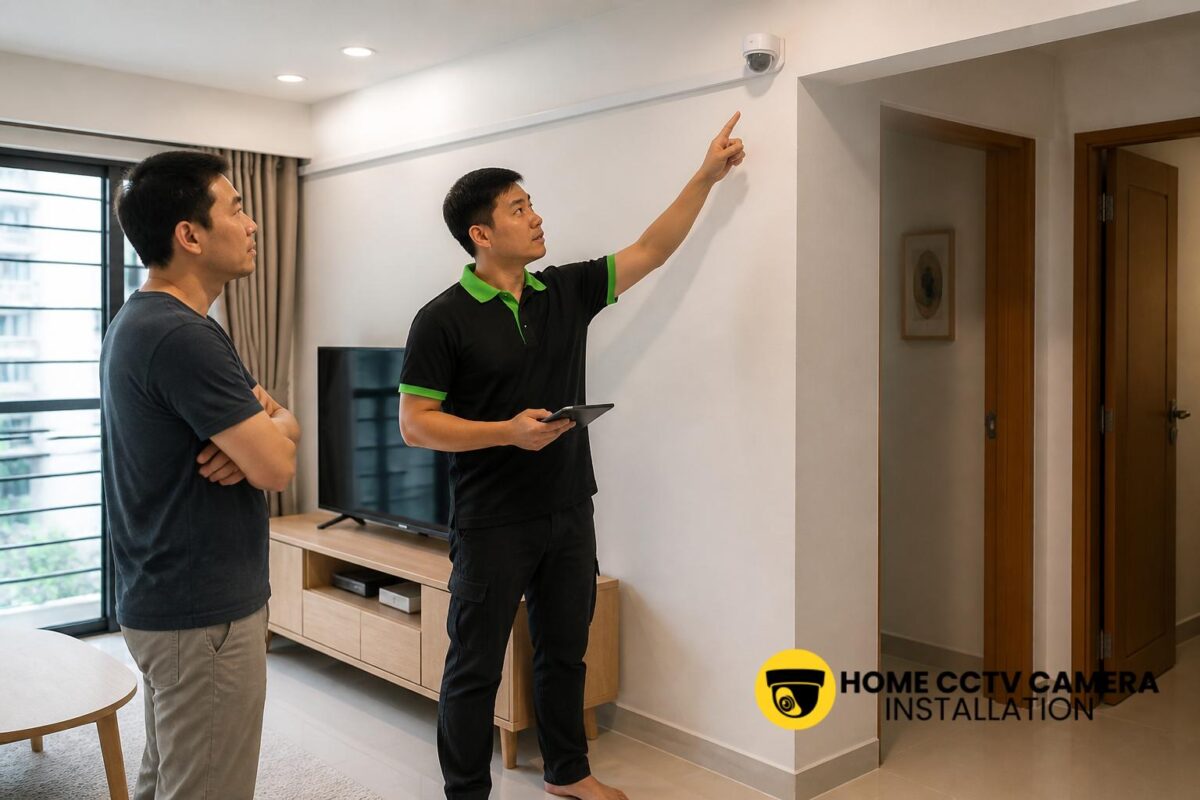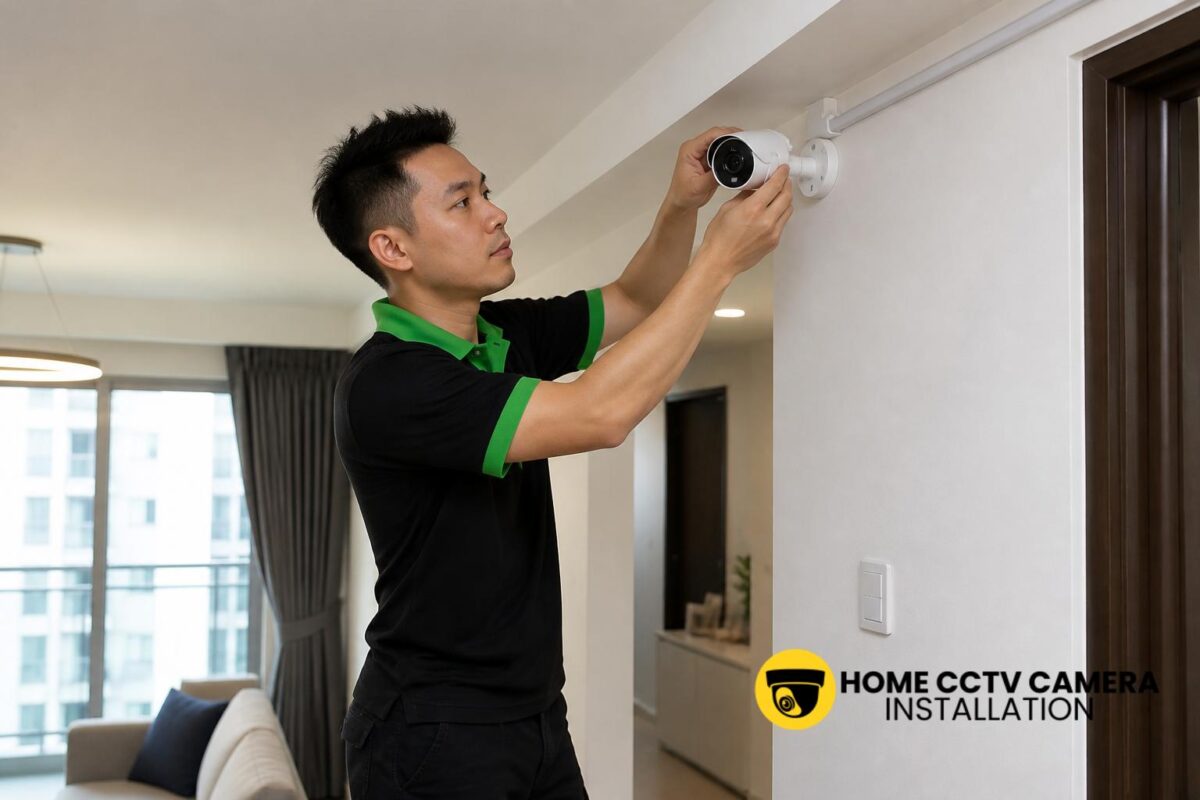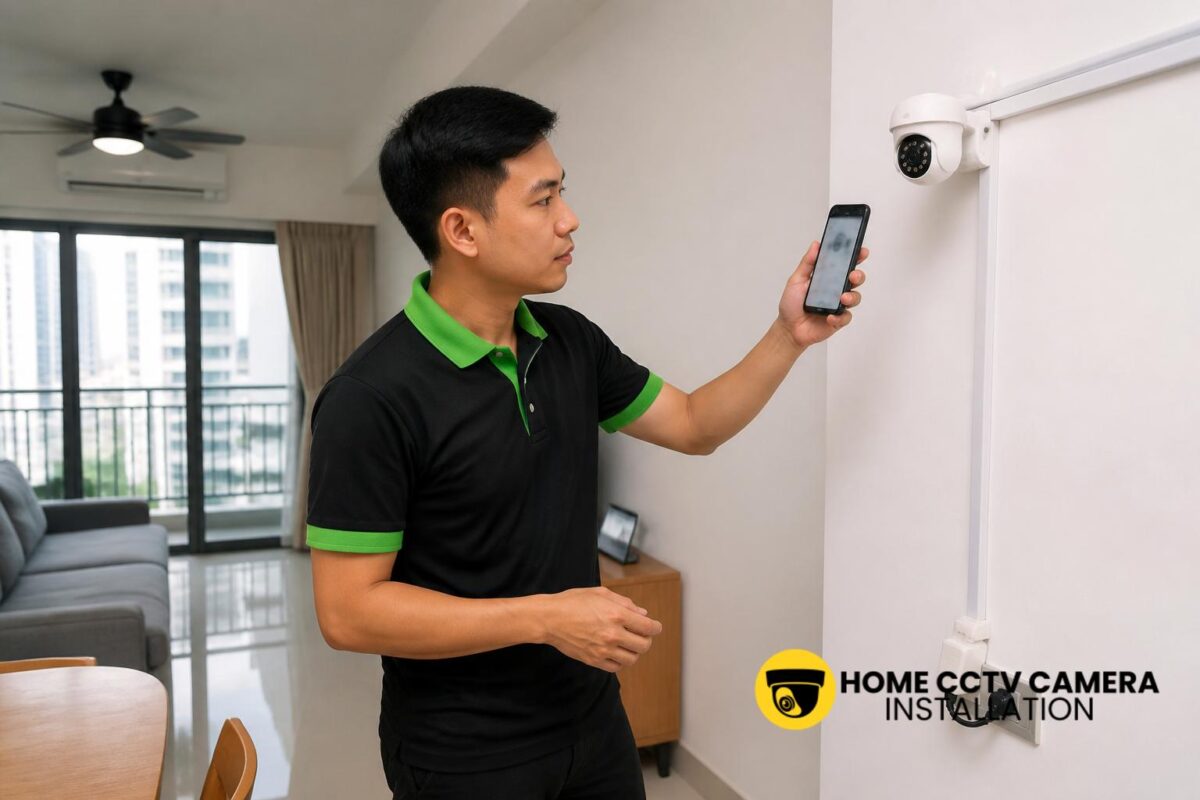

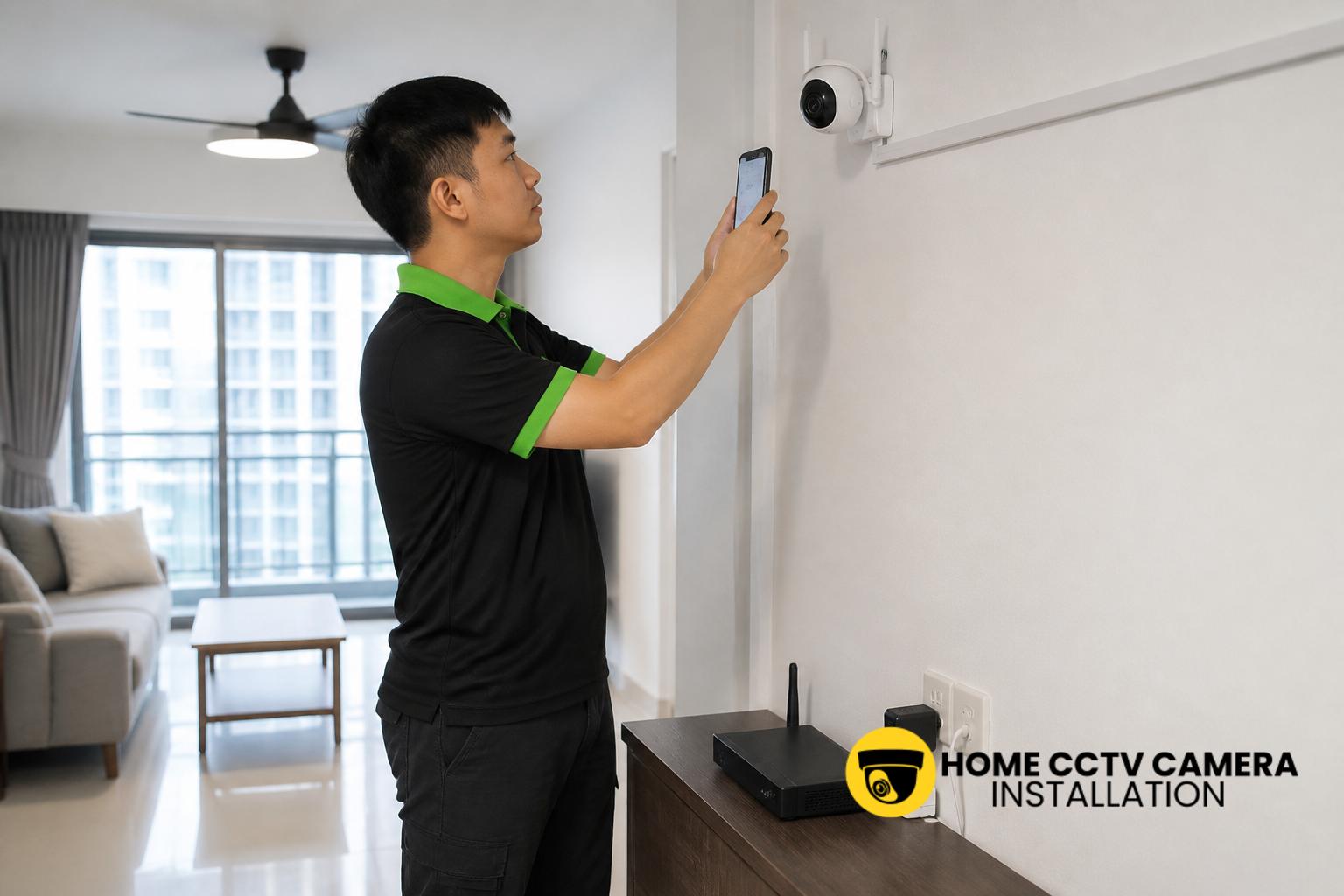
An IP security camera that keeps going offline in a Singapore home is usually pointing to a connectivity, power, or setup issue rather than a fault with the camera alone. In many HDB flats, condominiums and landed homes, the problem appears intermittently: the live view freezes, the camera drops from the app, or recordings stop until the device reconnects. Understanding the likely cause helps you narrow down whether it is a Wi-Fi issue, power problem, router limitation, or a camera installation issue.
Weak or unstable Wi-Fi signal
The most common reason for an IP security camera going offline is poor wireless signal. Even if the camera appears connected during setup, the signal may be too weak once it is mounted on a wall, at an outdoor corner, or further away from the router. In Singapore homes, reinforced concrete walls, metal grilles, mirrored surfaces and multiple rooms can all reduce Wi-Fi strength.
If the camera is installed near a kitchen, service yard or external wall, the signal can also be affected by appliances, electrical interference or a less direct path to the router. A camera may stay online most of the day and then drop out when the connection becomes unstable under load, especially if several devices are using the same network.
Power supply interruptions or loose cabling
Not every offline issue is caused by the network. An IP camera may be losing power briefly through a loose plug, faulty adapter, damaged cable, or an unstable power point. When this happens, the device may reboot repeatedly, appear offline in the app, or fail to reconnect properly after power returns.
This is particularly relevant in homes where the camera is installed high on a wall or ceiling and the cabling is extended through a concealed or surface-routed path. Poorly seated connectors, cable bends, or a low-quality power adapter can create intermittent problems that are easy to overlook during installation but show up later in daily use.
Router overload and network congestion
Many Singapore households now run numerous connected devices at the same time, including phones, laptops, TV boxes, smart lights and doorbells. If the router is older or heavily loaded, the camera may be forced to compete for bandwidth and connection stability. The result can be periodic dropouts, delayed notifications or a frozen live feed.
This issue can be more noticeable in larger homes or landed properties where more than one access point may be needed. Even in a compact flat, a router placed at one end of the home may struggle to provide a strong and stable connection to a camera located at the opposite end. In such cases, the camera is not necessarily defective; it may simply be operating at the edge of the network’s limits.
Incorrect camera placement during installation
Placement matters more than many homeowners expect. An IP camera mounted too far from the router, hidden behind thick walls, or positioned near reflective surfaces can become unstable. Outdoor-facing cameras may also be affected if they are placed in a corner with limited line of sight to the access point.
For home CCTV installation in Singapore, careful planning usually includes checking the router location, the likely signal path, the mounting height, and whether the camera will have reliable access to power. A camera that looks well positioned for coverage may still be inconvenient from a network point of view if the installation did not account for signal and cabling requirements.
Firmware issues and app configuration problems
Sometimes the camera itself is working, but the app or firmware is not. Outdated firmware, mismatched app settings, or a failed update can cause the camera to drop offline in the mobile app while the device remains physically powered. This can happen after a router change, password reset or internet service update.
It is also worth checking whether the camera has been added to the correct account, whether the time zone is set properly, and whether the device is configured for the right network band. Some cameras are sensitive to setup changes, and a small configuration error can make the system appear unreliable even when the hardware is fine.
Weather, heat and exposure issues for outdoor cameras
For homes with outdoor IP security cameras, Singapore’s heat and heavy rain can expose weaknesses in the installation. Although many cameras are designed for outdoor use, they still depend on proper mounting, weather protection and suitable cable management. Water ingress, overheating or condensation can cause unstable operation and repeated disconnections.
In some cases, the camera is installed in a location that is technically sheltered but still exposed to high humidity, direct afternoon sun or rain splash. Over time, these conditions can affect the power adapter, connectors or mounting point. A camera that keeps going offline after rain or during the hottest parts of the day may need its installation reviewed rather than simply replaced.
Signs the issue is with the network rather than the camera
To work out whether the problem lies with the camera, the router or the installation, look for patterns. If several devices in the home experience slow or unstable internet at the same time, the issue may be network-wide. If only one camera drops offline, the problem may be local to that device, its power source or its mounting location.
Useful checks include:
- Whether the camera loses connection at the same time every day
- Whether the app reports weak signal or reconnecting status
- Whether the power adapter or cable feels loose or warm
- Whether other Wi-Fi devices in the same area are stable
- Whether the camera works reliably when moved closer to the router
If the camera becomes stable after a temporary relocation, that is a strong sign that signal strength, placement or cabling needs attention.
How homeowners can reduce offline problems
For a more reliable home CCTV setup, it helps to treat the camera as part of the whole network rather than as a standalone device. A stable installation usually starts with sensible camera placement, a suitable power source, neat cable routing and enough signal coverage for the chosen location. In some homes, a wired camera or a better-placed access point may be more dependable than relying on a weak wireless signal.
Homeowners can also minimise disruptions by keeping the router updated, avoiding unnecessary changes to Wi-Fi names or passwords, and checking whether the camera app and firmware are current. If the camera is supplied by the homeowner, it is still important that the installation matches the camera’s power and network requirements. A proper setup and final test can prevent many repeat dropouts later on.
If your IP security camera keeps going offline and you want help checking the installation, placement or cabling, you can WhatsApp Home CCTV Camera Installation Singapore to discuss your home CCTV requirement and request a quotation: message us here.
Conclusion
An IP security camera in a Singapore home usually goes offline because of signal weakness, power instability, router congestion, poor placement, firmware issues or outdoor exposure. The good news is that most of these problems can be identified with a methodical check of the camera’s location, power supply, network connection and configuration. Once the root cause is clear, the next step is usually to improve the installation rather than simply replacing the device.
Choose Home CCTV Camera Installation Singapore
Home CCTV Camera Installation Singapore helps homeowners enhance security through professionally installed home CCTV systems across Singapore. Whether you require full supply and installation or home CCTV installation support for your home, our team ensures a clean and reliable setup.
We install a wide range of CCTV cameras, including IIP cameras, IP security cameras, surveillance cameras, and other configurations designed for residential use. Our CCTV installation services cover proper camera mounting, neat cabling, and power point installation where necessary, ensuring your home CCTV operates smoothly with clear and consistent coverage.
Home CCTV Camera Installation Singapore provides reliable Home CCTV installation services for HDB flats, condominiums, and landed homes. With a focus on quality installation and practical system planning, we help homeowners secure their living spaces with confidence. WhatsApp +65 8241 0032 to arrange your home CCTV installation today.
Frequently Asked Questions
Why does my IP camera go offline only at night?
This can happen when the camera switches to night mode, infrared LEDs activate, or network usage changes in the home. It may also point to a marginal Wi-Fi signal or a power issue that becomes more noticeable when the camera is working harder.
Can a weak router cause a security camera to disconnect?
Yes. An older or overloaded router can struggle to maintain a stable connection, especially if the camera is far away or separated by walls. In some homes, better placement or network adjustment is needed to keep the camera online reliably.
Should I choose wired or wireless for a home IP camera?
That depends on the home layout and the camera location. Wired installations are often more stable, while wireless setups may suit certain locations where cabling is difficult. The best option depends on signal strength, power access and how the camera is being mounted.