
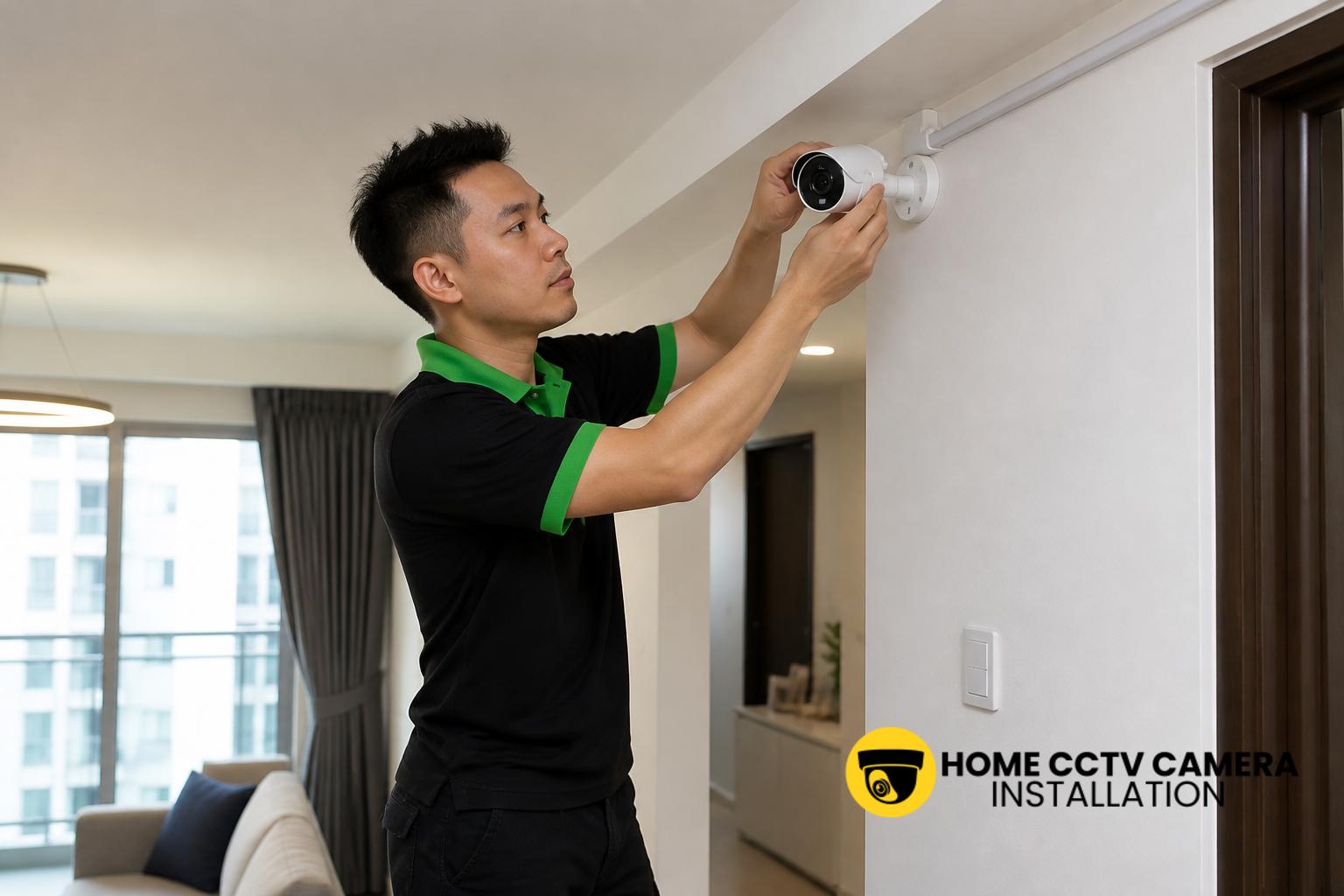
For many Singapore homeowners, being overseas does not mean losing visibility of what is happening at home. If your CCTV system is set up correctly, you can usually check live footage, review recordings and receive alerts through a mobile app or web portal, provided the camera, recorder and internet connection are configured for remote access. The key is understanding how the system works before you travel, so you know what can be viewed, what cannot, and what setup is needed to keep access reliable.
How remote viewing works for home CCTV systems
Most modern home CCTV systems in Singapore use an IP camera setup, a network video recorder, or a cloud-connected app to make remote viewing possible. In simple terms, the camera sends video to a recorder or online platform, and that platform can then be reached through your phone, tablet or laptop when you are outside Singapore.
Depending on the installation, you may be able to view live footage, replay recorded clips, zoom into incidents and check motion alerts. Some systems support multiple cameras at once, which is useful for HDB flats, condominiums and landed homes with different entry points or outdoor areas.
What needs to be in place before you travel
Remote access is not something to assume after installation. It usually requires the right combination of camera placement, network settings, app setup and account access. Before leaving Singapore, homeowners should confirm that the system has been tested on mobile data and not only on the home Wi-Fi network.
It is also sensible to check that the app login details are saved securely, notifications are enabled and the date and time on recordings are correct. If the CCTV installation includes a recorder, make sure you know whether footage is stored locally, on a memory card, on a hard drive, or through a cloud service. Each method affects what you can review overseas.
Why internet access at home matters so much
Even the best camera cannot be viewed remotely if the home internet connection is unstable or the network equipment is offline. When you are overseas, your CCTV system still depends on the Singapore property’s broadband connection, router and power supply. If the home has a power cut, or the router is restarted and not functioning properly, remote viewing will be interrupted.
For this reason, homeowners should think beyond the camera itself. A neat installation with proper power-point support, stable cabling and sensible placement can reduce issues, but the wider network matters just as much. If the system relies on Wi-Fi, the router’s location and signal strength can affect how smoothly the cameras stream when accessed remotely.
App access, permissions and user setup
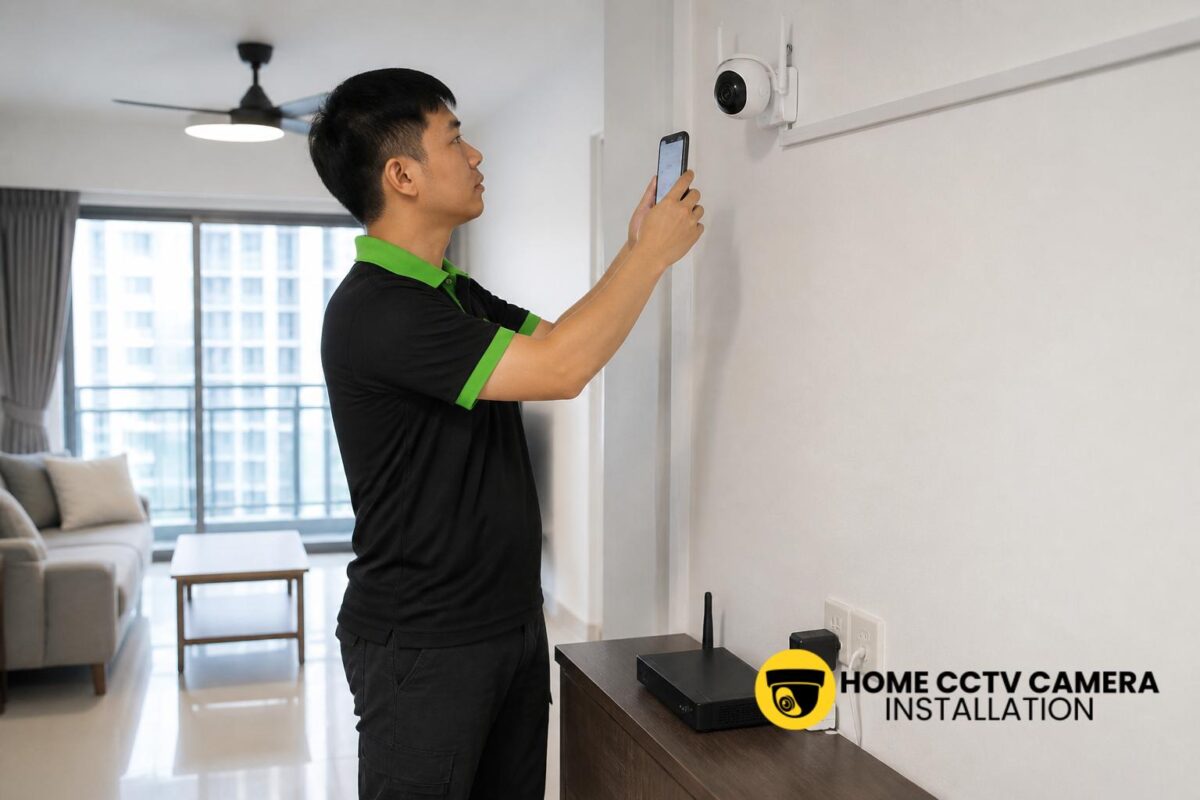
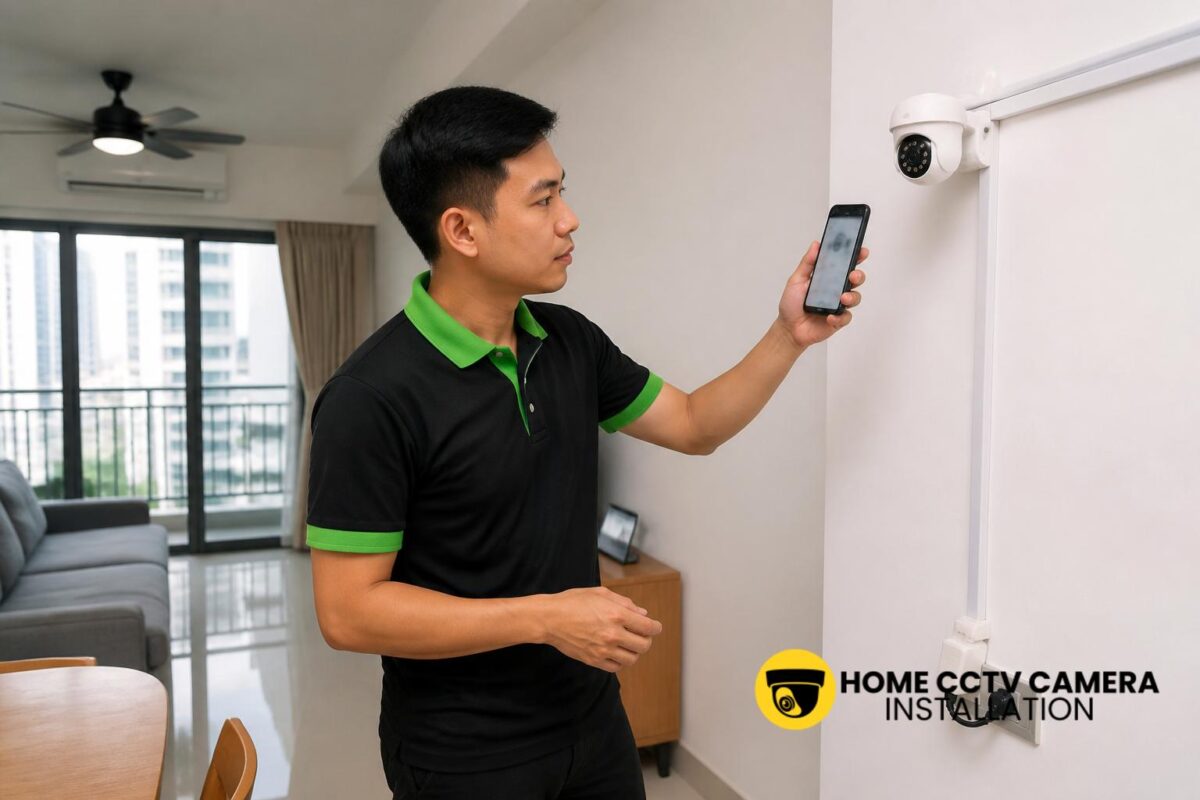
One of the most common reasons overseas viewing fails is not technical damage, but incomplete setup. The CCTV app or platform may require the homeowner to create an account, link the device, and grant permissions for notifications and playback. If several family members need access, each person may need their own login or shared user profile, depending on the system.
It is worth confirming the following before departure:
- the primary login is working
- the mobile app has been installed and tested
- motion alerts are enabled, if desired
- recording playback can be accessed remotely
- the account recovery email or password is up to date
This is especially important for homeowners who are away for long periods and want peace of mind without relying on someone at home to troubleshoot on their behalf.
Choosing the right camera locations for overseas viewing
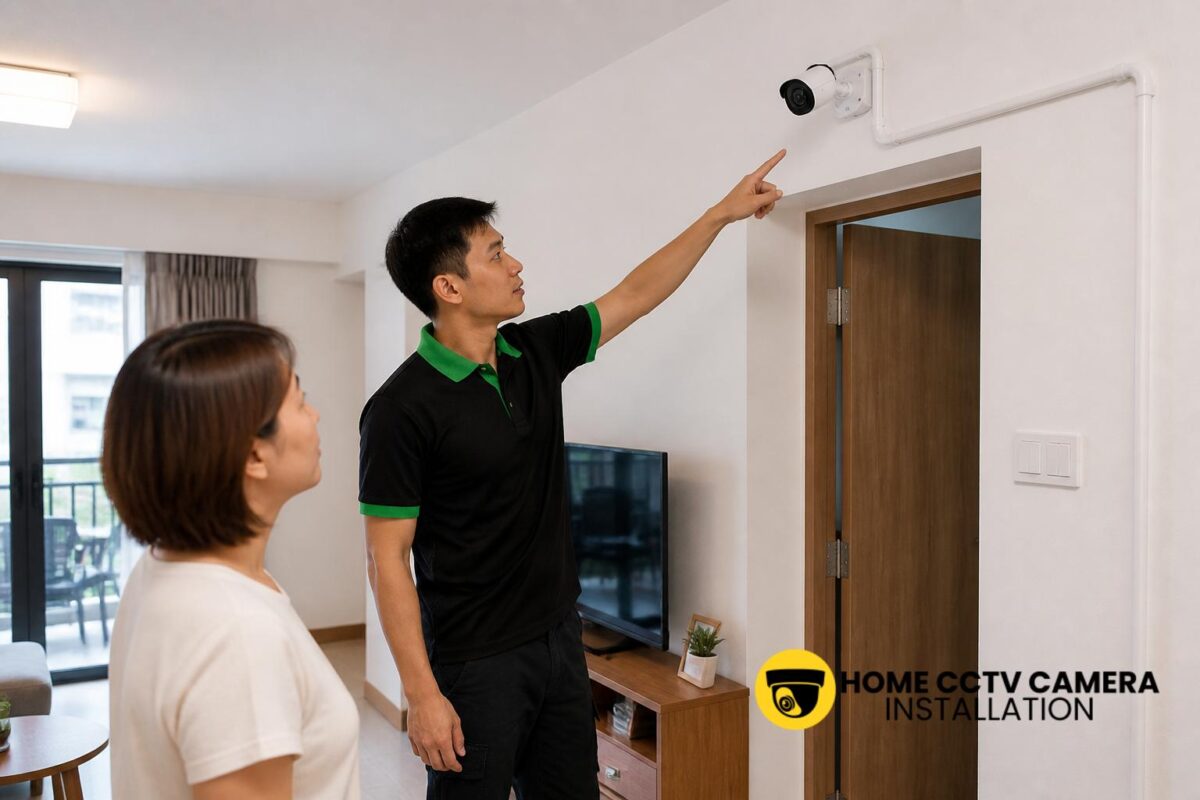
Where the cameras are placed affects how useful remote viewing will be. For Singapore homes, typical locations include the main door, service yard, corridor-facing areas, gate entrance, car porch, and other access points. A well-planned layout lets you check the areas that matter most without blind spots.
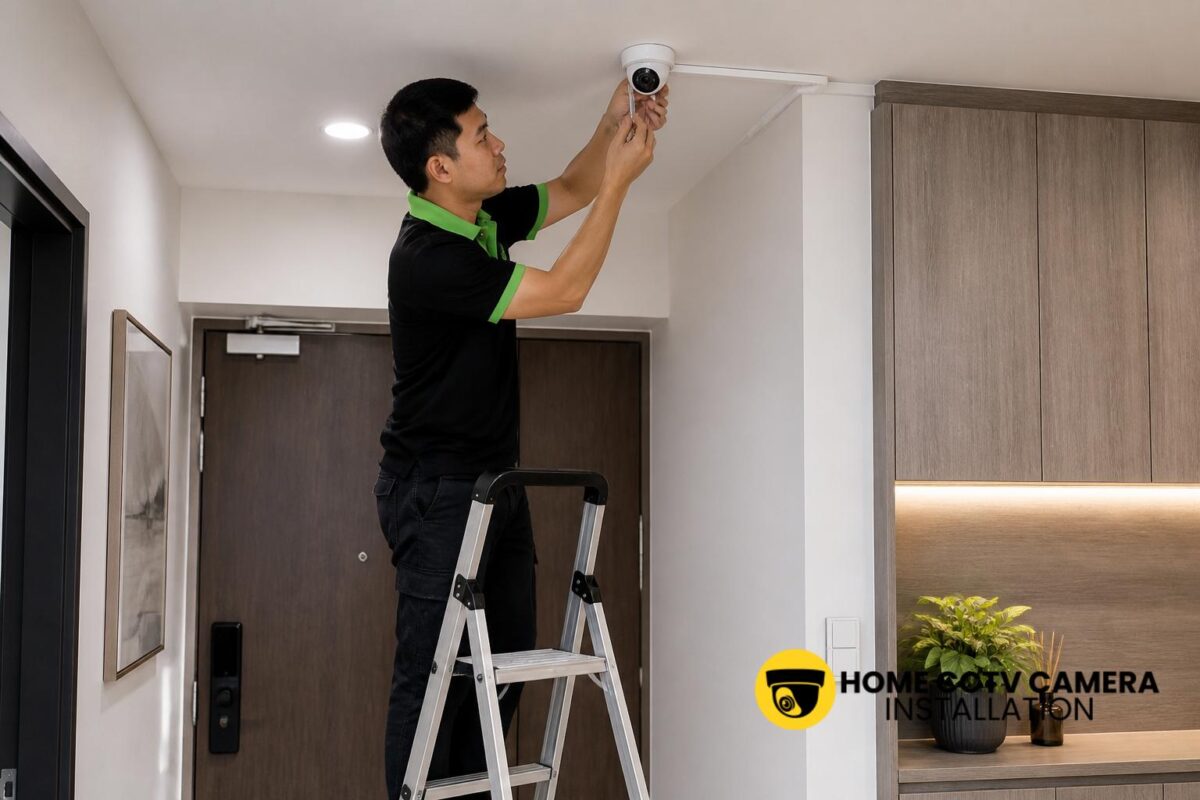
For overseas viewing, it helps if cameras are mounted at practical angles with clear sightlines and minimal glare. A professional installer will usually consider whether the camera needs a wide field of view, a tighter focus on a doorway, or better coverage of a side passage. In HDB flats and condominiums, installation needs to be done carefully so cable routing, mounting and power support remain neat and appropriate for the property.
Wired CCTV versus wireless systems when you are away
Many homeowners ask whether wired or wireless CCTV is better for remote access. In practice, both can support overseas viewing if the system is configured correctly. The main difference is in reliability and installation method. Wired CCTV often offers a more stable setup for continuous recording, while wireless systems may be easier to install but can depend more heavily on Wi-Fi quality.
For Singapore residential properties, a wired or properly planned IP security camera installation is often preferred when consistent viewing and recording are important. If you already own cameras, installation-only support can still help with mounting, cabling, power-point arrangements and final setup so remote access is ready before travel.
What to do if you cannot view the camera overseas
If the app suddenly stops working while you are abroad, the issue may be simple rather than serious. Common causes include the home router being offline, the camera losing power, the recorder having stopped, the app needing to be reconnected, or a password change that was not updated across devices.
It is useful to have a basic contingency plan. Ask a trusted person at home to check the router and power supply if needed. Keep installation details, account information and device model numbers in one secure place. If you are planning to travel often, discuss the setup with the installer so the system is easier to maintain remotely and less dependent on guesswork.
If you would like help setting up home CCTV for overseas viewing, WhatsApp Home CCTV Camera Installation Singapore to discuss your property type, number of cameras, supply-and-install or installation-only needs, intended camera locations, existing equipment, cabling or power-point requirements, and preferred schedule.
Conclusion
Singapore homeowners can usually view their home CCTV while overseas, but only if the system is installed and configured with remote access in mind. A dependable setup depends on the camera type, the home internet connection, the recording method and the quality of the initial app configuration. With the right planning, remote viewing can be straightforward, but it is still important to test everything before leaving the country.
Choose Home CCTV Camera Installation Singapore
Home CCTV Camera Installation Singapore helps homeowners enhance security through professionally installed home CCTV systems across Singapore. Whether you require full supply and installation or home CCTV installation support for your home, our team ensures a clean and reliable setup.
We install a wide range of CCTV cameras, including IIP cameras, IP security cameras, surveillance cameras, and other configurations designed for residential use. Our CCTV installation services cover proper camera mounting, neat cabling, and power point installation where necessary, ensuring your home CCTV operates smoothly with clear and consistent coverage.
Home CCTV Camera Installation Singapore provides reliable Home CCTV installation services for HDB flats, condominiums, and landed homes. With a focus on quality installation and practical system planning, we help homeowners secure their living spaces with confidence. WhatsApp +65 8241 0032 to arrange your home CCTV installation today.
Frequently Asked Questions
Can I view my home CCTV live while I am overseas?
Yes, many home CCTV systems allow live viewing through a mobile app or web portal, as long as the camera, recorder and home internet connection are working properly. The system must also be set up for remote access before you travel.
Do I need Wi-Fi at home for overseas CCTV viewing?
Yes, the home system usually needs an active internet connection for remote access. Even if the cameras are recorded locally, you still need the home router and broadband service to be online in order to view the footage from overseas.
Can I use my own CCTV cameras and still get remote access set up?
In many cases, yes. If you already have the cameras, an installation-only service can help with mounting, cabling, power-point support, app setup and final testing, provided the equipment is suitable for the intended installation.