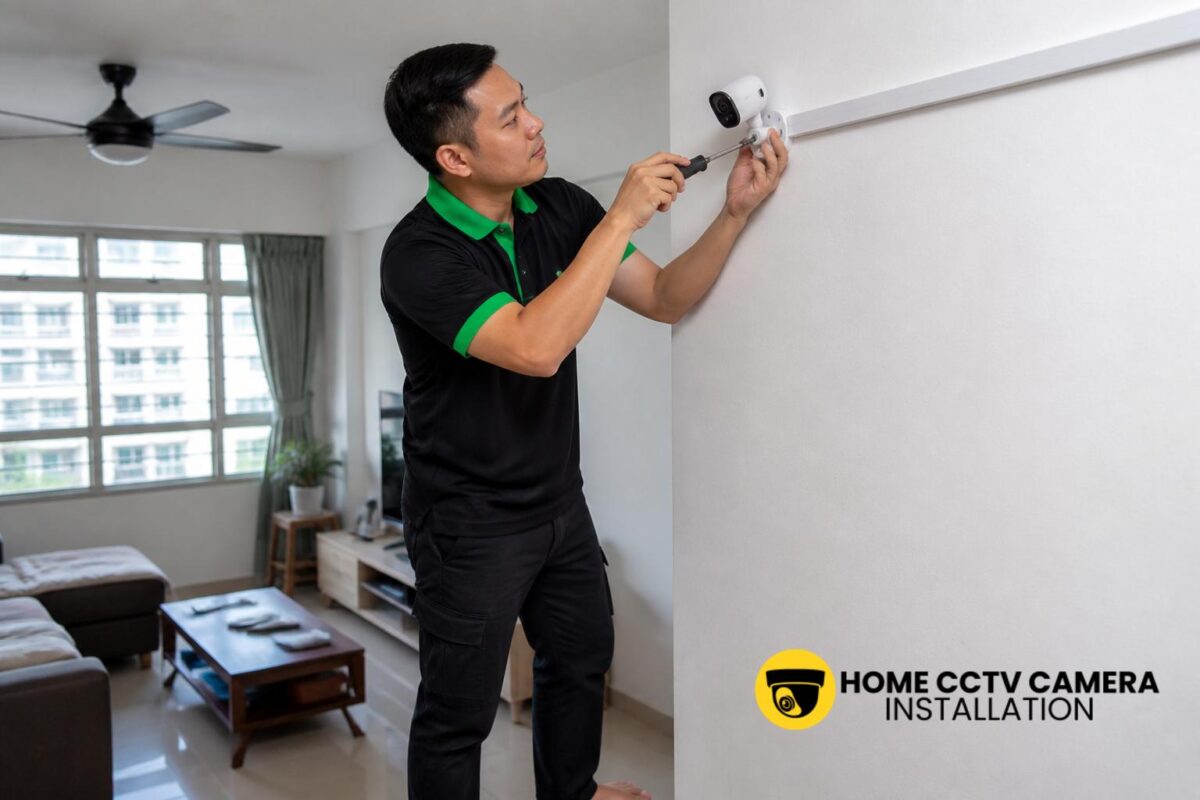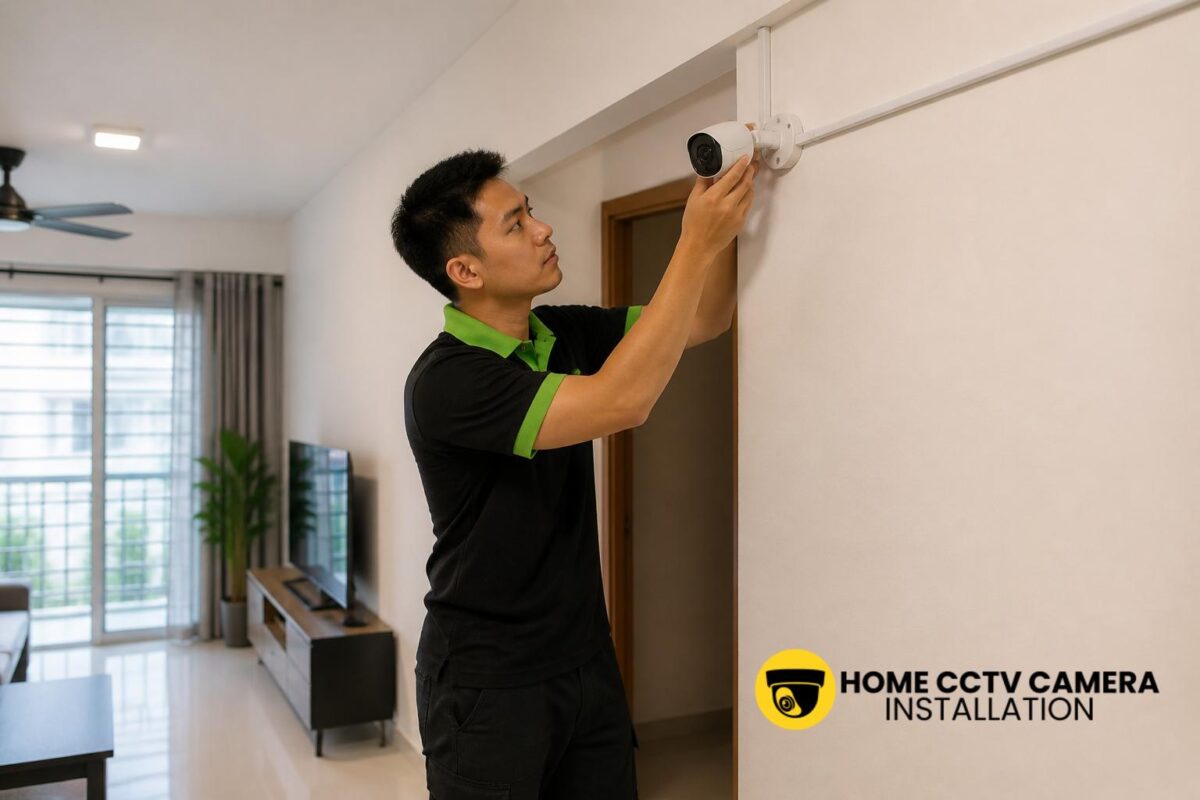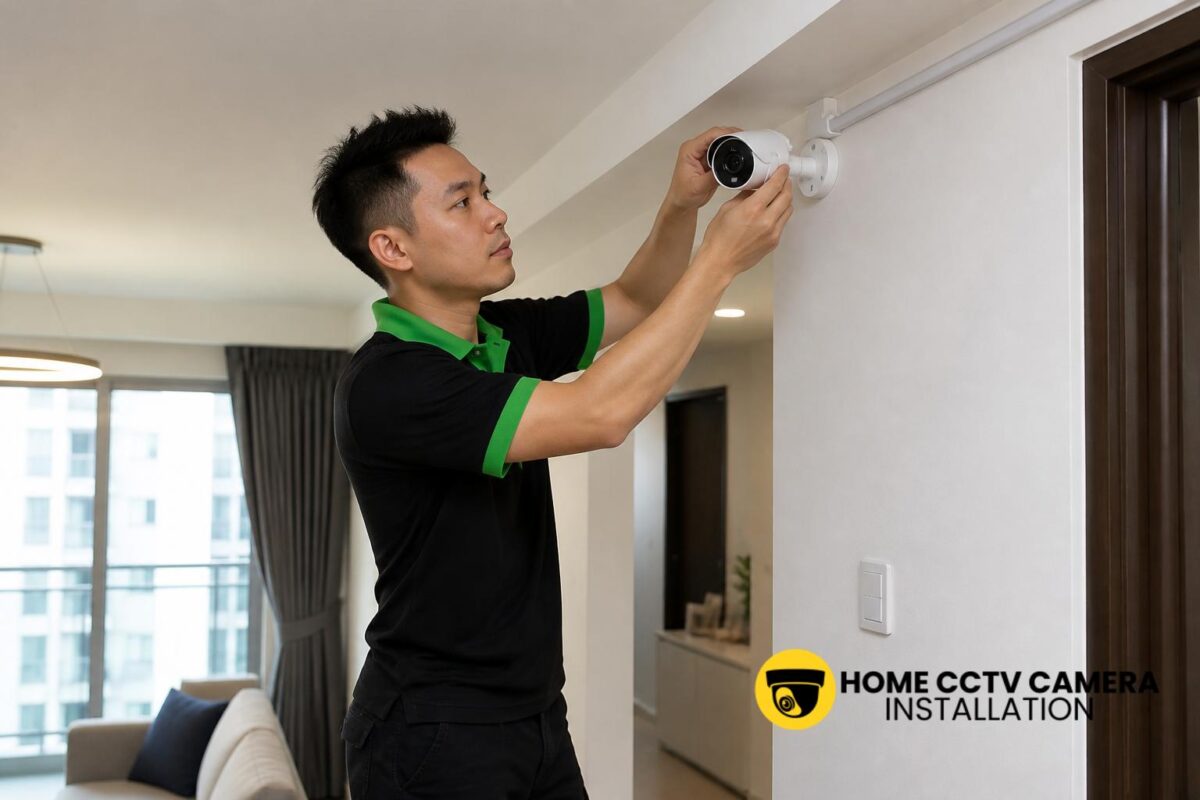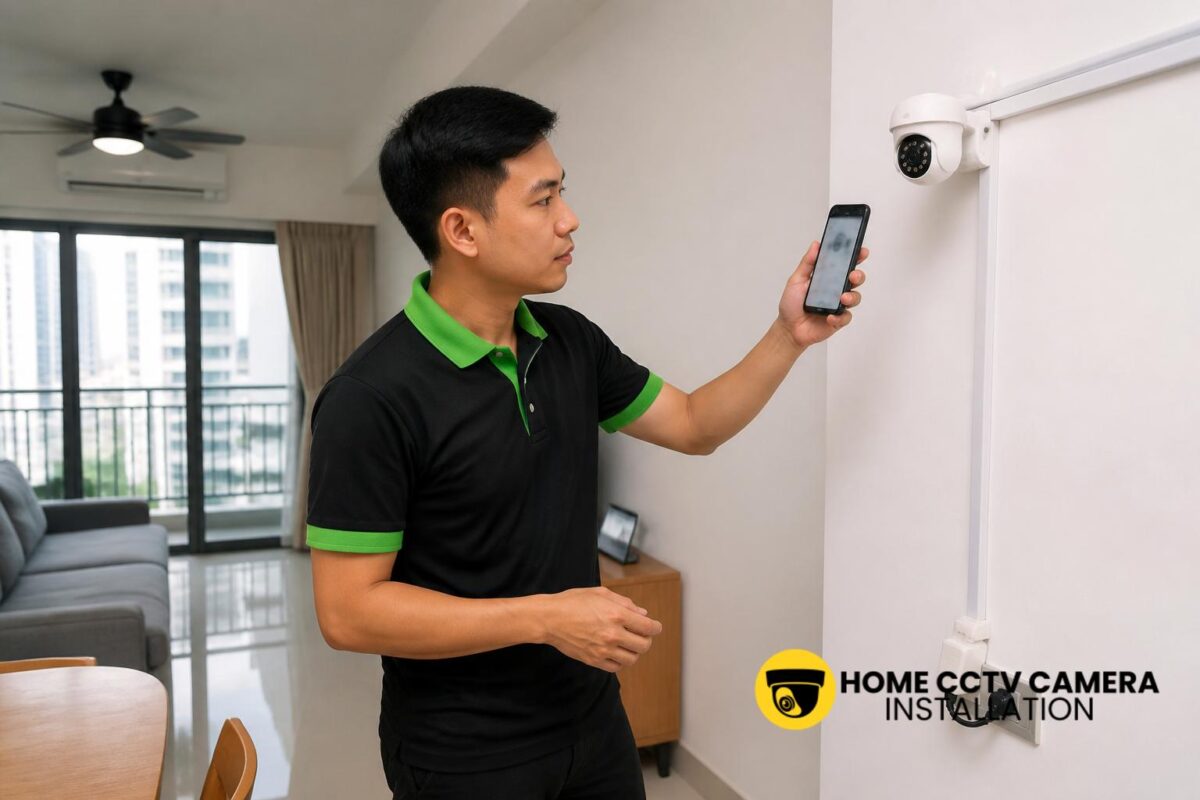

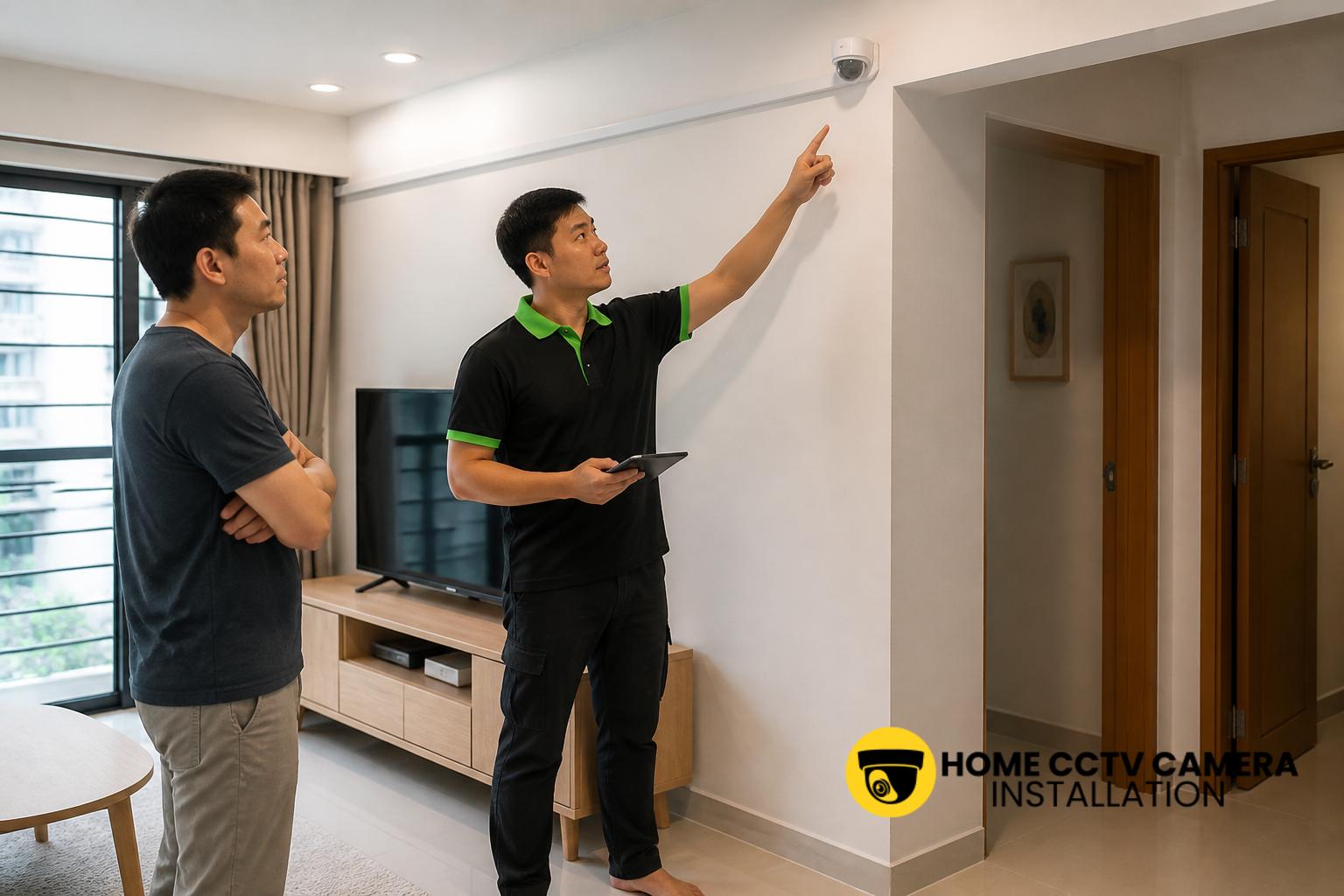
Yes, in most cases a home CCTV system in Singapore can show several cameras on one phone, provided the cameras are set up within the same app or recorder platform. This is a common requirement for HDB flats, condominiums and landed homes, especially when homeowners want a simple way to check different entry points, living areas or perimeter zones from a single device.
How one phone can view multiple home CCTV cameras
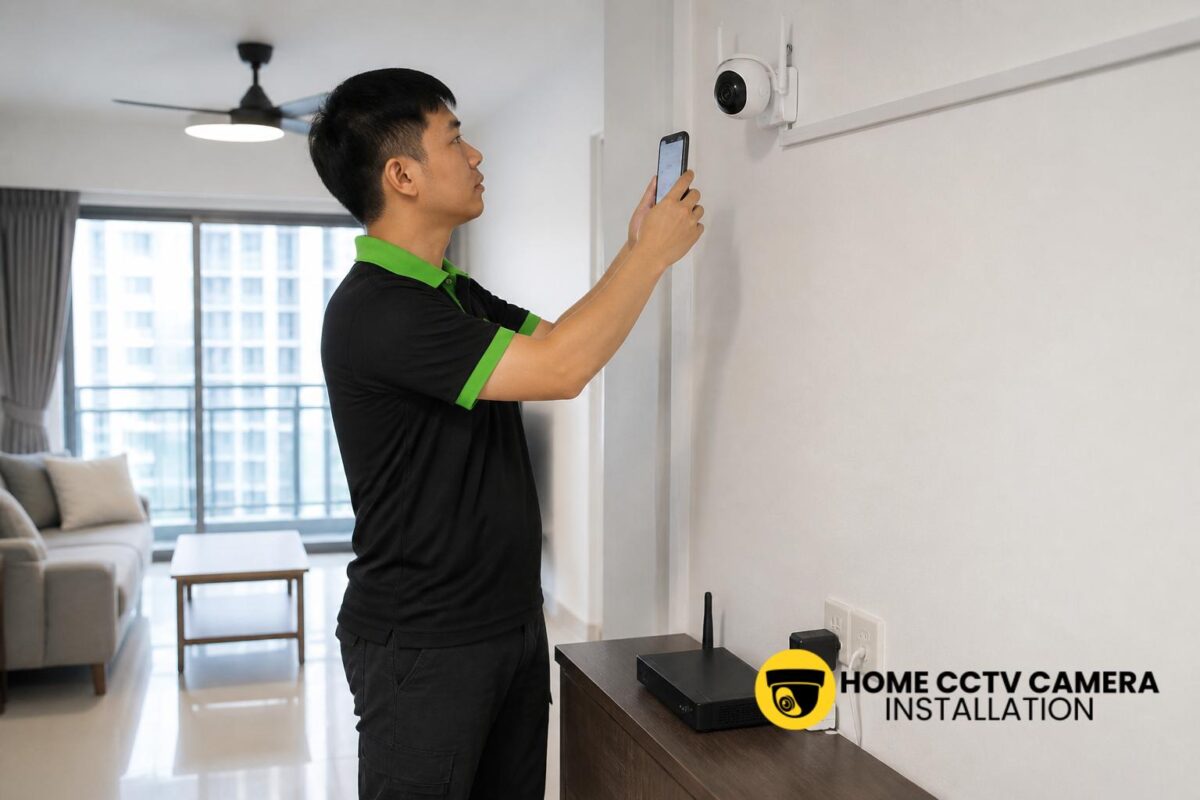
Most modern IP camera systems are designed to support multi-camera viewing through a mobile app. Once the cameras are linked to the same account, you can usually switch between live views, display multiple feeds on one screen, or review recordings from different cameras without changing devices.
In practical terms, one phone becomes the control point for the whole system. That means a homeowner can check the front door, service yard, gate area or car porch from the same app, instead of opening separate applications for each camera.
What needs to be in place for multi-camera viewing
For several cameras to appear on one phone, the system usually needs compatible hardware and proper setup. A well-planned installation helps prevent confusion later, especially if the cameras are from the same brand or connected to the same network video recorder.
Common requirements include:
- Compatible cameras and app platform
- Stable internet connection for remote viewing
- Correct account pairing or device linking
- Proper camera naming for easy identification
- A recorder or cloud setup that supports multiple channels
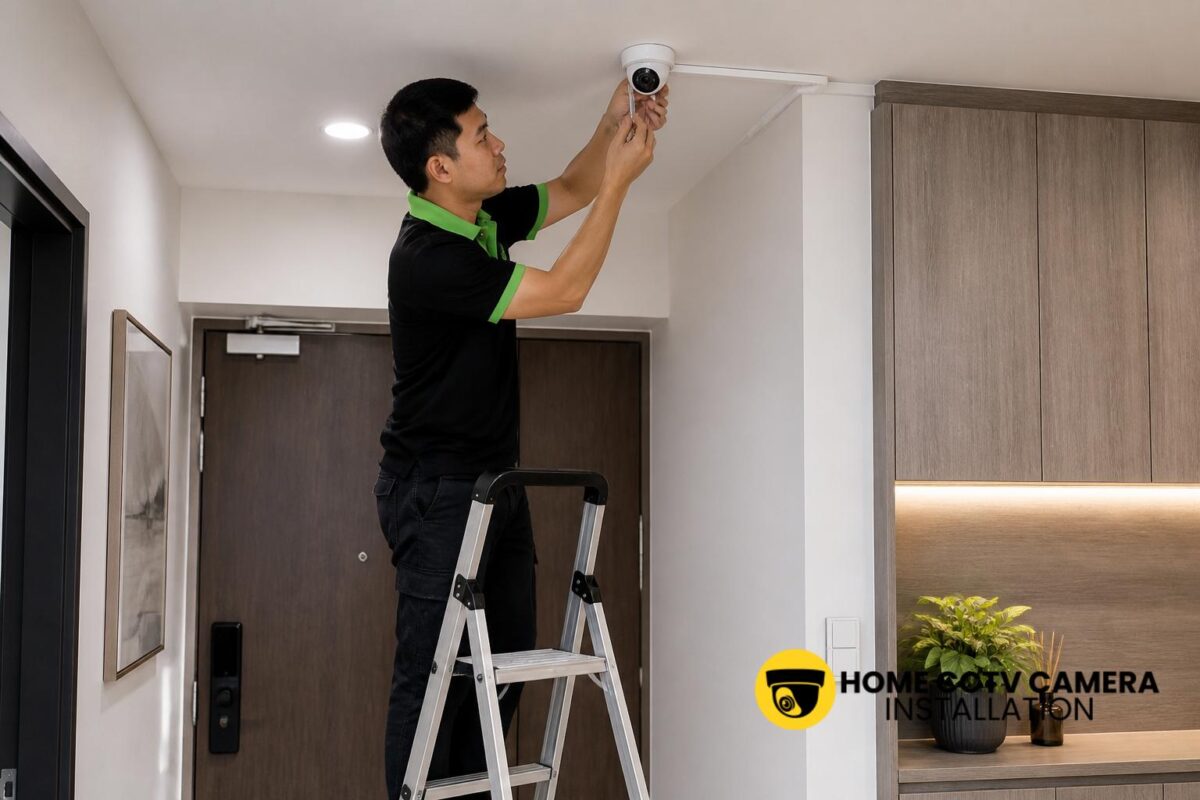
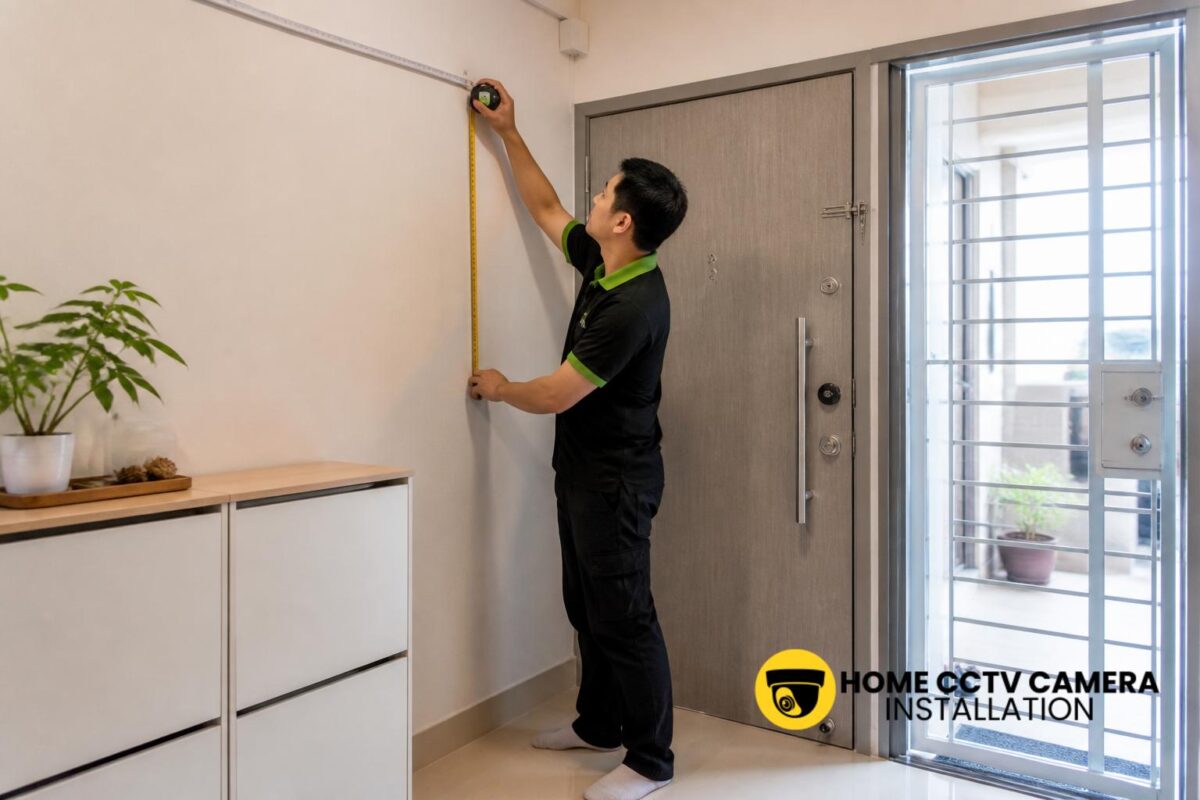
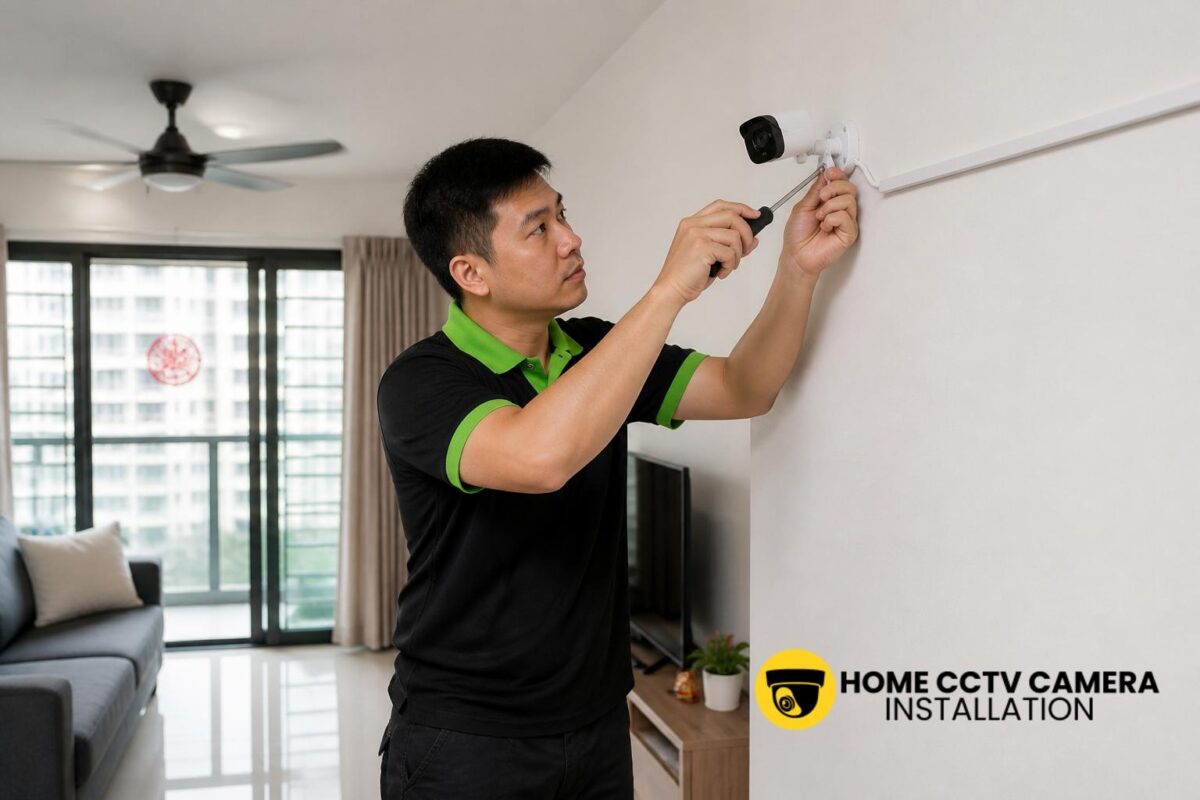
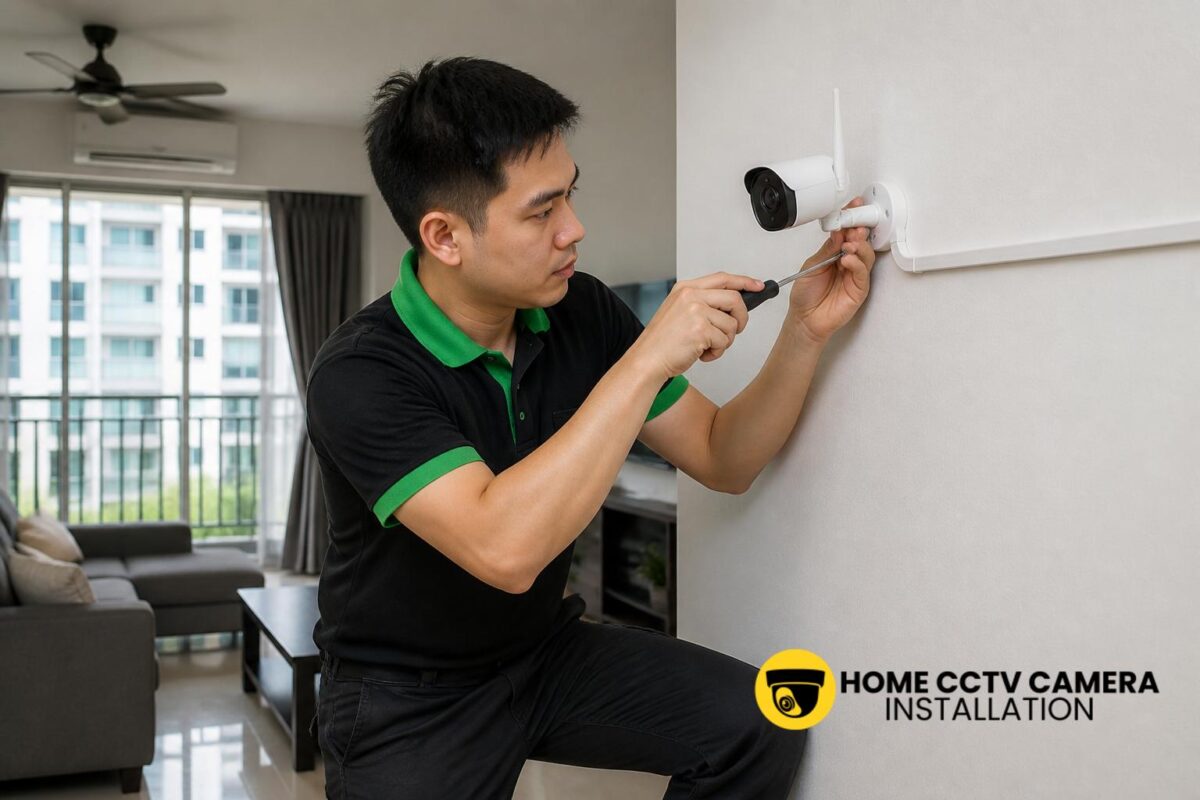
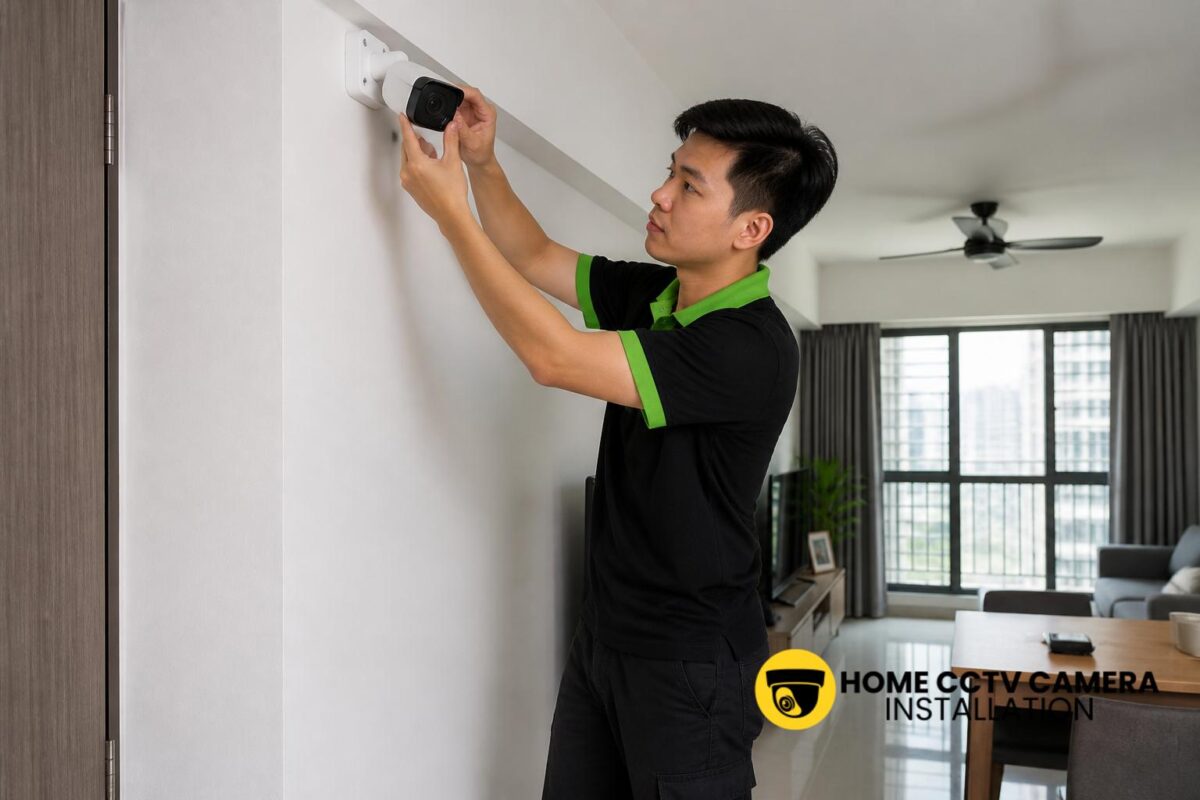
In Singapore homes, wiring and power placement also matter. If cameras are installed neatly with the right cabling and power support, the system is usually easier to manage and maintain over time.
App viewing, recorder viewing and cloud access
There are a few common ways a home CCTV system can display several cameras on one phone. The most straightforward is through the manufacturer’s mobile app, which may allow grid view, split-screen viewing or camera switching within the same login.
Another option is viewing through a network video recorder, where all connected cameras are grouped into one system. Some homeowners also use cloud-based access, which can be convenient for remote checks, though the exact features depend on the brand and subscription plan. The important point is not the viewing method alone, but whether the setup is properly configured during installation.
Why camera placement affects how useful the phone view is
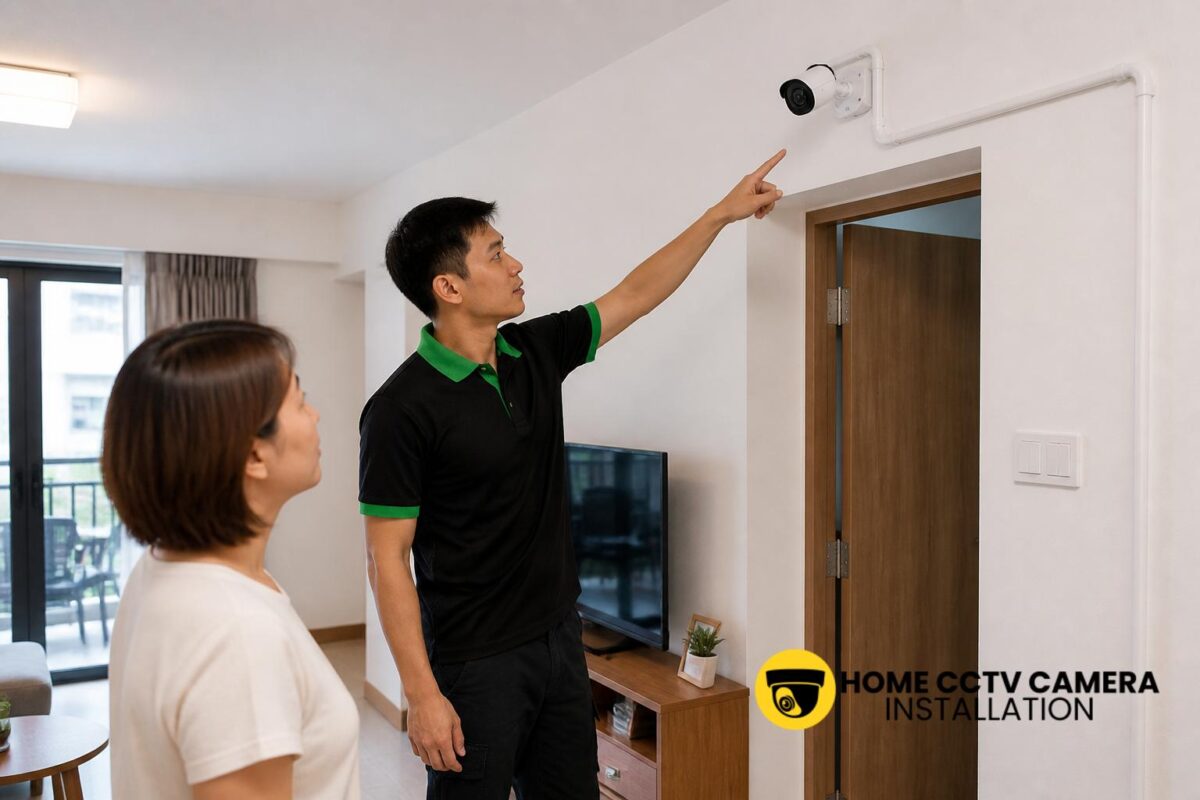
Although the phone can show multiple cameras, the layout only becomes truly useful if each camera has a clear purpose. In a typical Singapore home, one camera might cover the main entrance, another the balcony or corridor-facing area, and another the car porch or backyard.
Good placement reduces overlap and makes multi-camera viewing easier to interpret. If too many cameras capture the same angle, the phone view may be technically possible but not especially helpful. A thoughtful placement plan ensures each feed adds something different to the overall picture.
What Singapore homeowners should check before choosing a system
Before installing home CCTV, it is worth checking whether the cameras and app support the number of channels you need. Some starter systems are limited to a small number of cameras, while others can expand as the household’s needs change.
You should also consider whether you want:
- Supply-and-install for new cameras
- Installation-only support for customer-supplied cameras
- Wired CCTV for a more stable setup
- Mobile access for one or more family members
- Local recording, remote viewing, or both
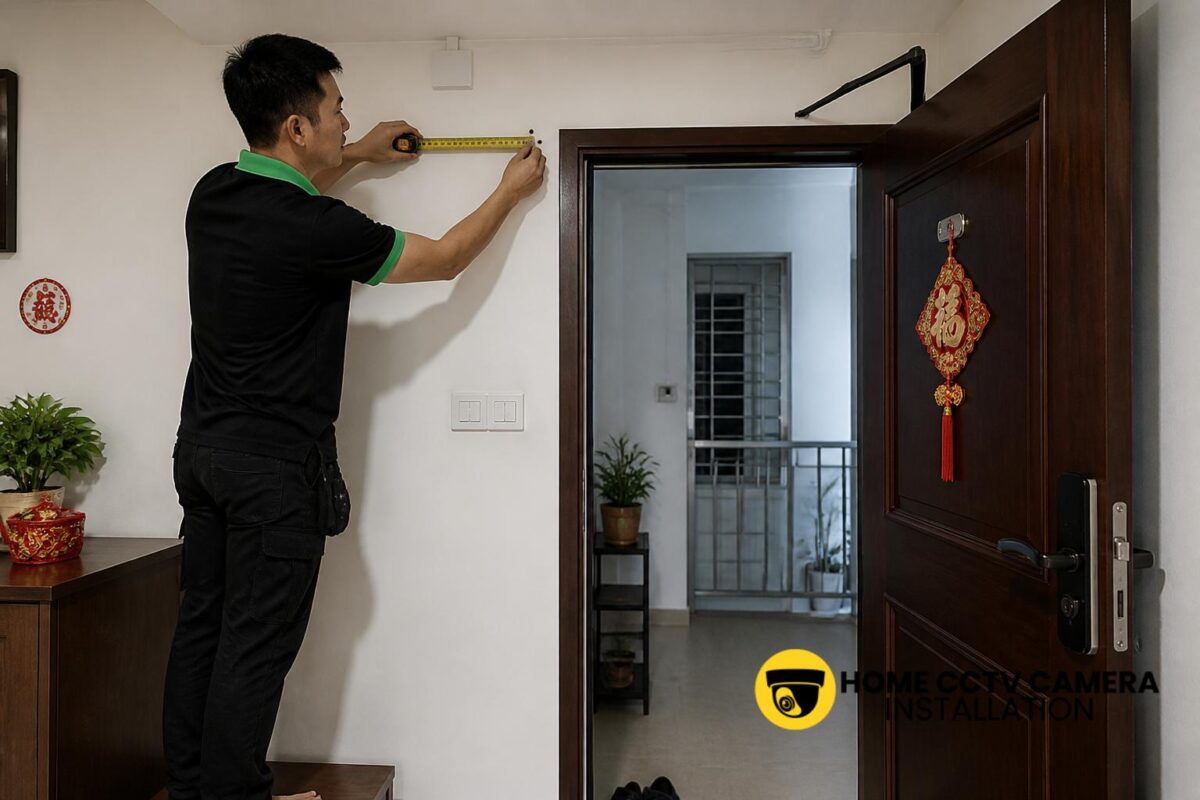
For HDB flats and condominiums, installation planning must also take the property layout into account. For landed homes, cable routes, outdoor mounting points and power access often need extra attention.
Common issues when several cameras do not appear properly on one phone
Sometimes the system is capable of multi-camera viewing, but the phone does not show all feeds as expected. This can happen if devices were added separately, the app account was not configured correctly, or the recorder settings were not completed during installation.
Other issues may include incorrect permissions, outdated app versions or cameras that were connected under different logins. In some cases, one camera may still work while another remains offline due to a wiring issue or power problem. These are usually setup matters rather than design flaws, which is why final testing is important after installation.
How a proper installation helps with daily use
A well-installed home CCTV system should be easy to use on an everyday basis. That means the app should open cleanly, camera names should be clear, and each feed should be simple to locate when needed. Homeowners should not need to remember which device belongs to which room.
During installation, it helps to test live viewing, playback and notifications if those features are included. For families sharing access, the installer can also check whether multiple phones can be linked safely and whether the user experience remains straightforward across devices.
If you are planning a new home CCTV setup and want to confirm multi-camera viewing on one phone, WhatsApp Home CCTV Camera Installation Singapore to discuss your property type, number of cameras, supply-and-install or installation-only scope, camera locations, cabling or power-point needs and preferred installation schedule: message us here.
Conclusion
In most residential setups, one phone can display several CCTV cameras as long as the system is properly planned and the devices are compatible. For Singapore homes, the best results usually come from a neat installation, correct app setup and sensible camera placement. If the aim is easy everyday monitoring of different parts of the home, multi-camera viewing on one phone is not only possible, but also one of the most practical features of a home CCTV system.
Choose Home CCTV Camera Installation Singapore
Home CCTV Camera Installation Singapore provides professional CCTV installation Singapore services for residential properties, supporting homeowners with reliable home CCTV and CCTV system Singapore solutions. Our services cover both home CCTV installation and installation only support for homeowners who already own a CCTV camera, IP camera, or security camera setup.
We work with various CCTV systems, including IP cameras, IP security cameras, surveillance cameras, and other configurations. Our installation services include camera mounting, basic cabling, and power point installation where required to ensure each CCTV camera is installed safely and positioned for effective coverage. From layout planning to final setup, we focus on practical CCTV installation that suits everyday home environments.
Serving households islandwide, Home CCTV Camera Installation Singapore delivers trusted solutions with a strong emphasis on workmanship, system reliability, and long-term usability. WhatsApp +65 8241 0032 for enquiries on our home CCTV installation services.
Frequently Asked Questions
Can I view different home CCTV cameras from the same app on one phone?
Yes. Many home CCTV systems allow multiple cameras to be linked to one app account, so you can switch between views or see several feeds together on the same phone.
Does the number of cameras on one phone depend on the brand?
Yes, it often does. Different brands and recorder models may support different numbers of cameras, so it is best to confirm the channel limit before installation.
Can installation-only support still allow several cameras to show on one phone?
Yes, provided the customer-supplied cameras and app platform support multi-camera viewing. The installation needs to be completed correctly, including device pairing and final testing.