
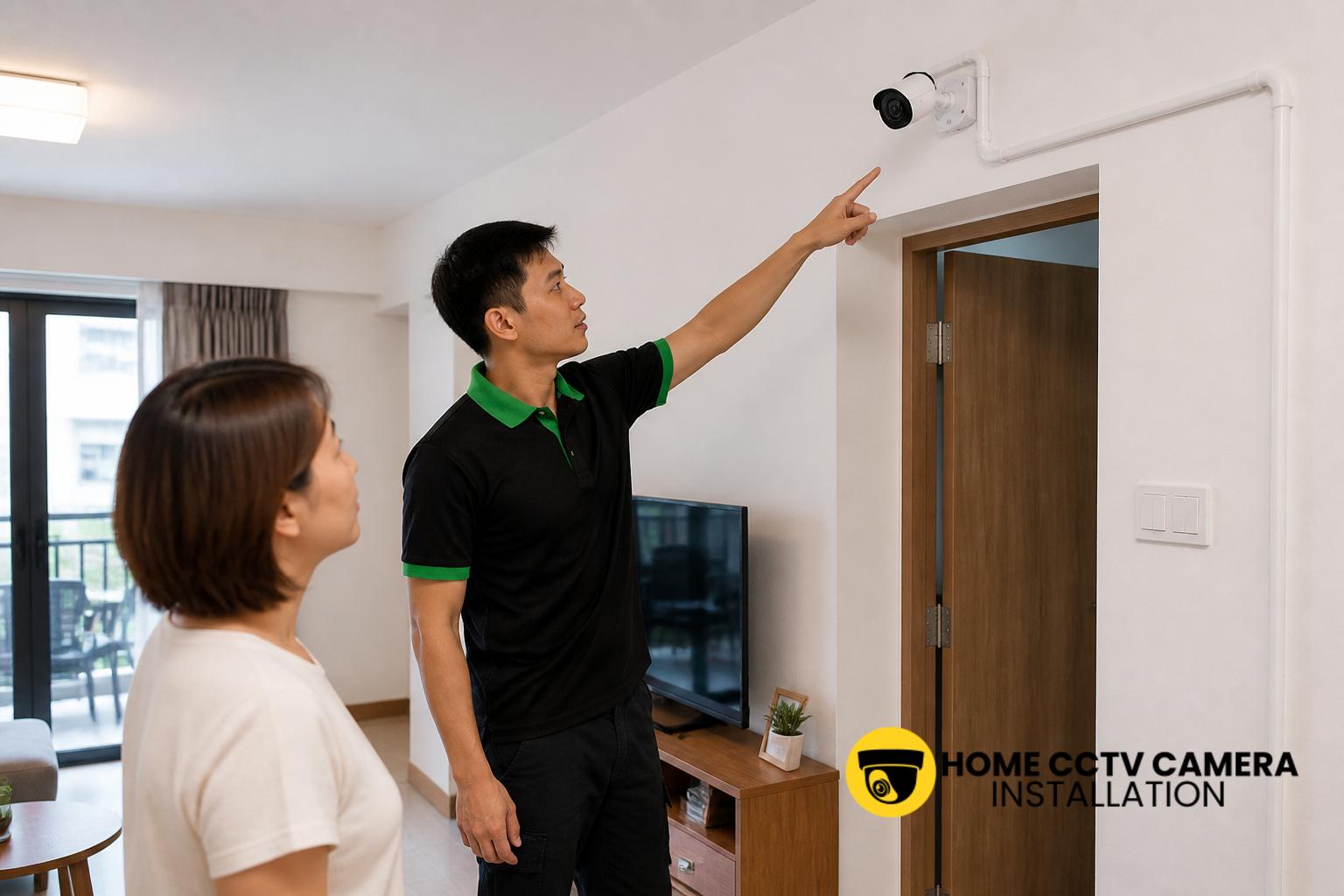
For many Singapore households, sharing access to a home surveillance camera is now part of everyday family life. Parents may want to check on children returning from school, adult children may help elderly parents monitor the front door, and spouses may both need to review footage after a parcel delivery or an unexpected visitor. The challenge is not just installing the camera, but deciding how to share viewing access in a way that remains practical, secure and easy to manage.
Why families often need shared camera access
In a typical HDB flat, condominium or landed home, more than one family member may have a genuine reason to view the CCTV feed. A primary caregiver might want to check the main entrance during the day, while another family member monitors the car porch, gate or service yard in the evening. Shared access can make a home CCTV system more useful because the right person can review live view or playback without having to wait for one household member to be available.
That said, shared access should be planned rather than added casually. The way access is set up affects privacy, daily convenience and how easily the system can be managed if someone changes phone, forgets a password or no longer needs access. For Singapore families, the most useful arrangement is usually the simplest one that still keeps the system under control.
Choose who really needs access
Before adding multiple users, it helps to decide who should have full access and who only needs limited viewing. In many homes, this may mean one main account holder and one or two additional family users. Not every family member needs the same level of control, especially if the CCTV system includes settings for playback, camera naming, alerts or storage management.
A practical approach is to think about daily use. For example:
- Main user: manages the account, settings and device permissions.
- Shared viewers: can check live video and, if needed, review recordings.
- Occasional helpers: may only need temporary access when caring for an elderly parent or watching over the home during travel.
Keeping roles clear reduces confusion and makes it easier to revoke access later if circumstances change.
Use the camera app’s built-in sharing tools
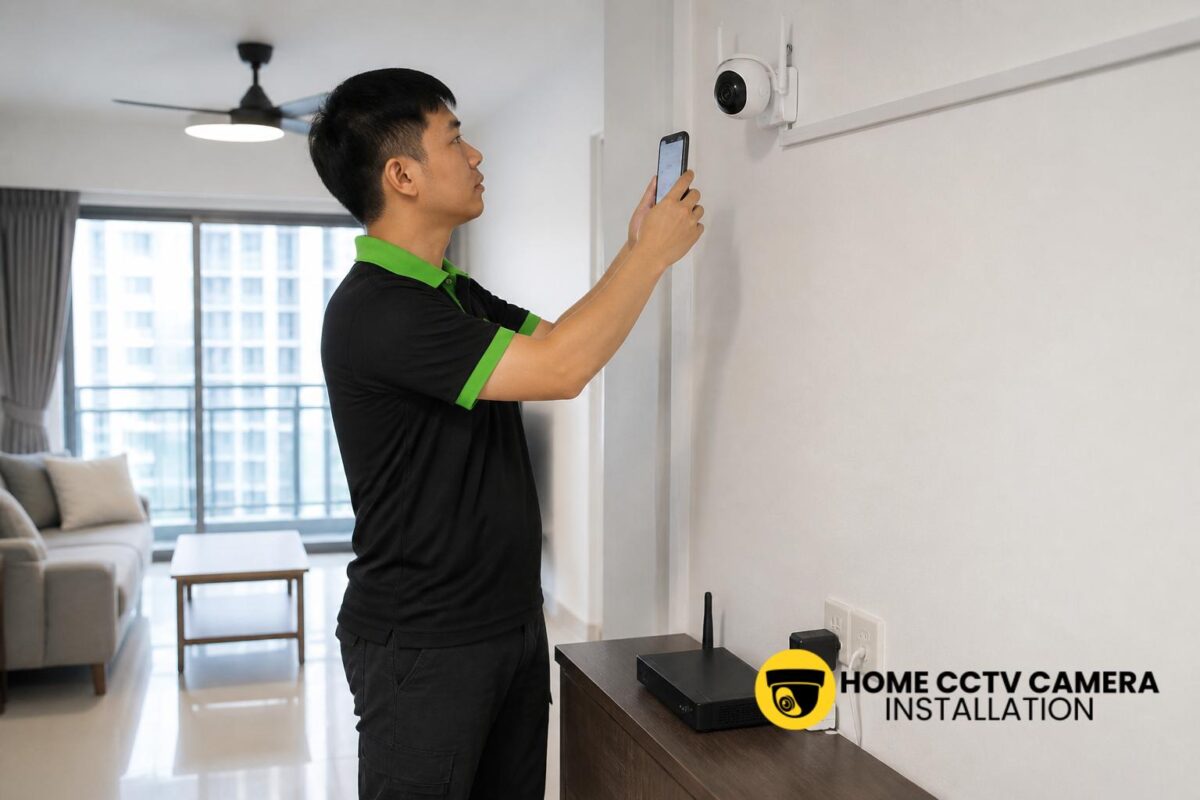
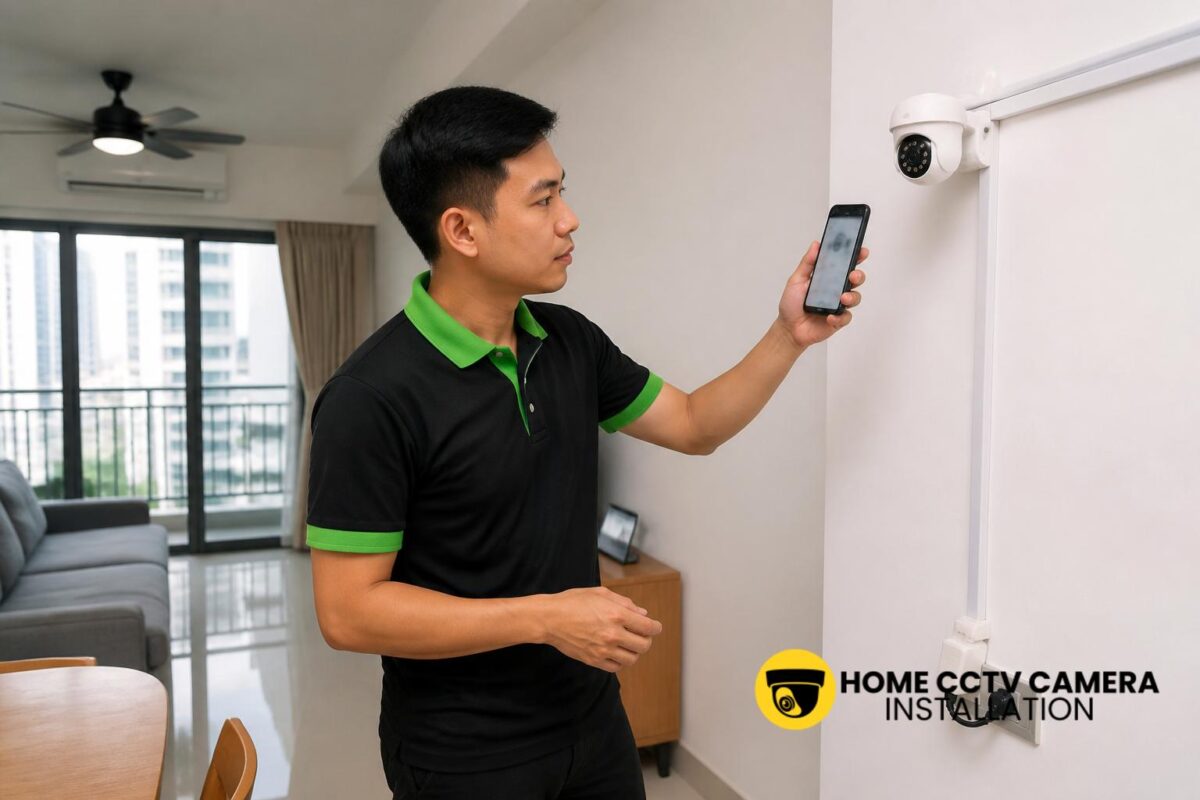
Most modern IP security cameras and home CCTV systems include app-based sharing functions. These features are often safer and more organised than simply giving out the main login. Depending on the brand and model, the app may allow the owner to invite another user by email, share a device with a family account, or assign a guest-level role.
Where possible, use the camera manufacturer’s official sharing method. This usually means the camera stays linked to the owner’s account, while the family member gains controlled access through their own device. It is also easier to remove access later without changing the main account details for everyone in the household.
For families in Singapore who are installing a new system, it is worth checking the sharing features during setup. If the camera will be mounted at a front gate, corridor, car porch or living room entrance, make sure the app supports the way your family wants to use it before the installation is finalised.
Balance convenience with privacy at home
Shared access should not mean unrestricted access. Home surveillance cameras may capture sensitive everyday moments, such as family routines, visitors, delivery details or children moving around the home. It is sensible to discuss boundaries before everyone starts using the app.
For example, some families prefer to share only the front-door camera but not the indoor camera. Others may allow live view access but limit playback to the main account holder. These choices depend on household preference, but the goal is the same: everyone who needs access can get it, while unnecessary viewing rights are kept to a minimum.
It also helps to agree on basic habits, such as logging out of shared devices when replacing a phone, avoiding password sharing in chat groups, and not leaving the app open on a communal tablet indefinitely. Small habits can make household camera use much smoother.
Set up permissions in a way that is easy to manage
If your home CCTV system supports multiple users, keep the account structure simple. Use a strong main password, and enable any available security options such as two-factor authentication. When adding family members, record who has access and what level of control they have, especially if the system has several cameras and different permission tiers.
This is particularly helpful in larger households or multi-generational homes. A couple may want both partners to have access, while an elderly parent prefers only to view the main gate camera. In a landed home, one person may need access to the driveway camera, while another watches the side entrance. Clear naming of cameras in the app also reduces mistakes when multiple family members are checking footage.
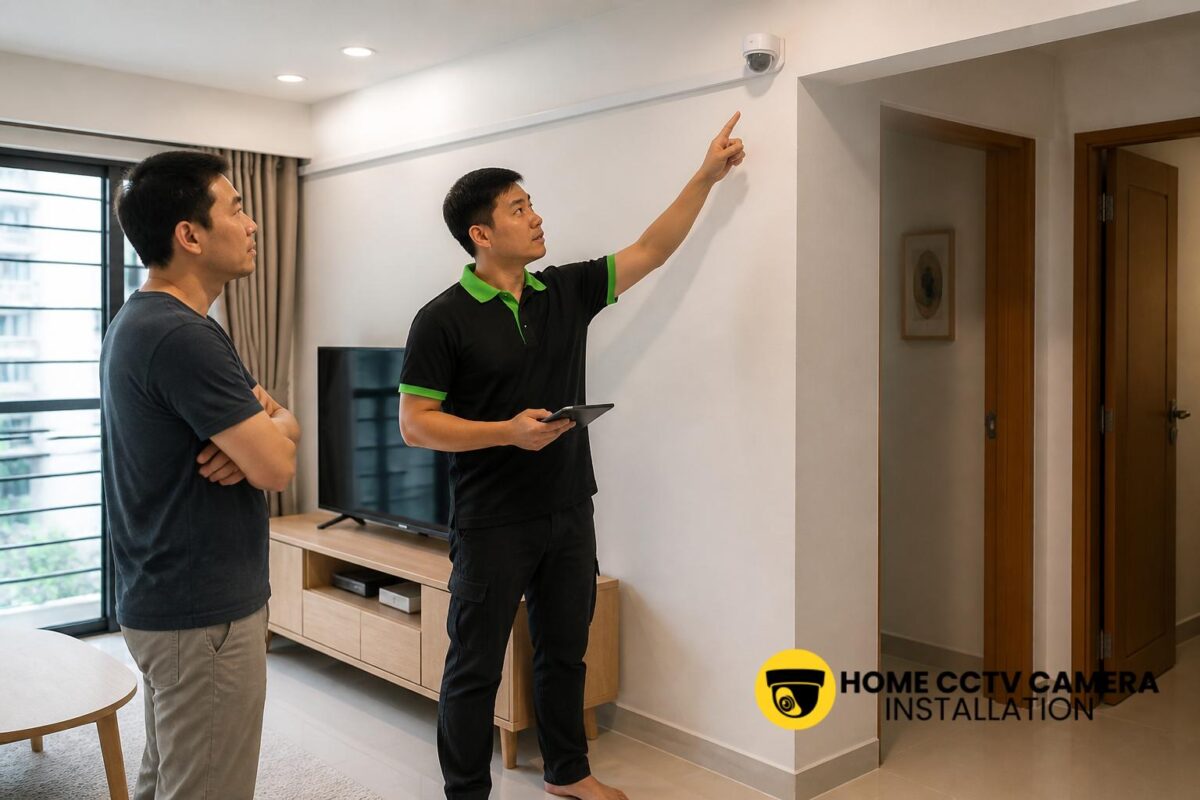
If your CCTV installer is handling the setup, ask them to show you how account sharing works on the specific camera model. A proper handover should include basic testing of live view, playback and user access so that the family understands the system from day one.
What to check before sharing access with relatives or helpers
Some families also share access with an extended relative or a domestic helper, particularly when someone is away often or caring responsibilities are shared. In those cases, it is worth being more cautious. Temporary access may be better than a permanent login, and access should be removed when it is no longer needed.
Before adding anyone outside the immediate household, check the following:
- Whether the user only needs live view or also needs recordings.
- Whether the camera monitors a shared area or a more private part of the home.
- Whether the app allows time-limited access or guest permissions.
- Whether the family is comfortable with that person receiving motion alerts.
These checks are especially useful for homes where the camera covers a service yard, corridor entrance, gate or other commonly used areas. The aim is not to make the system difficult to use, but to avoid sharing more than necessary.
Match the sharing plan to the installation itself
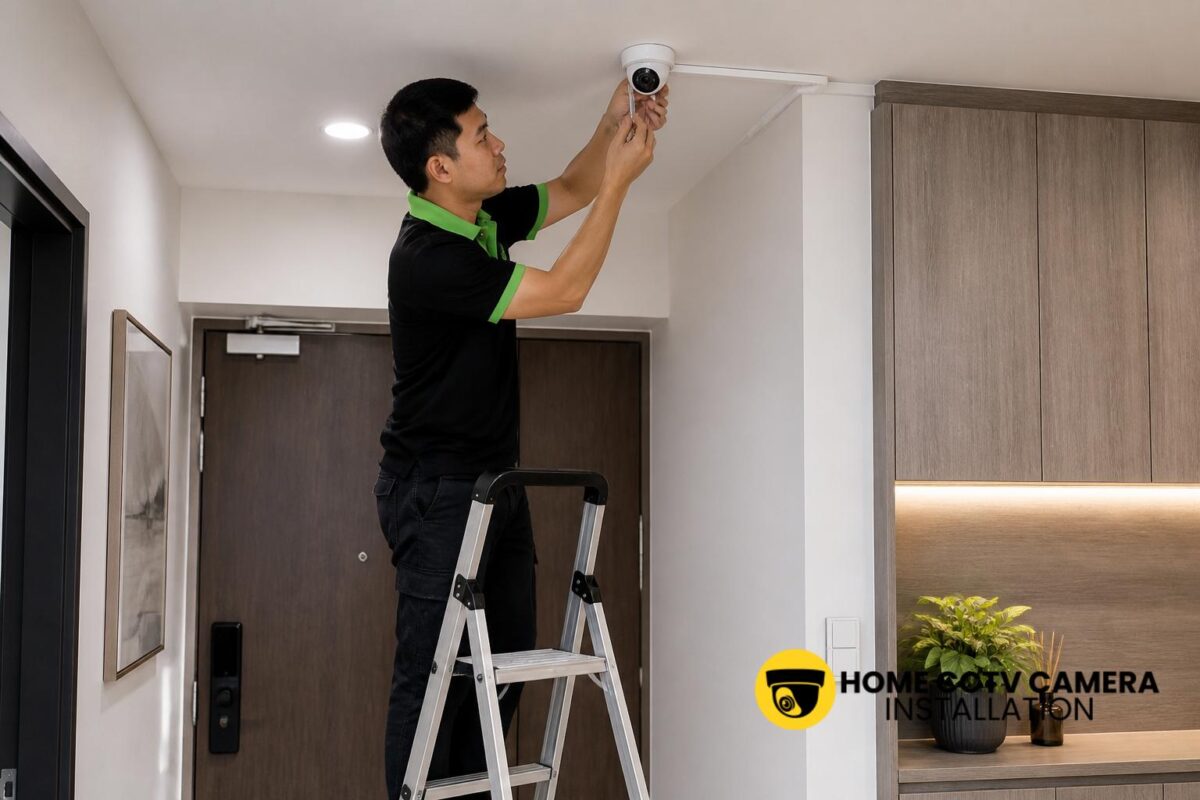
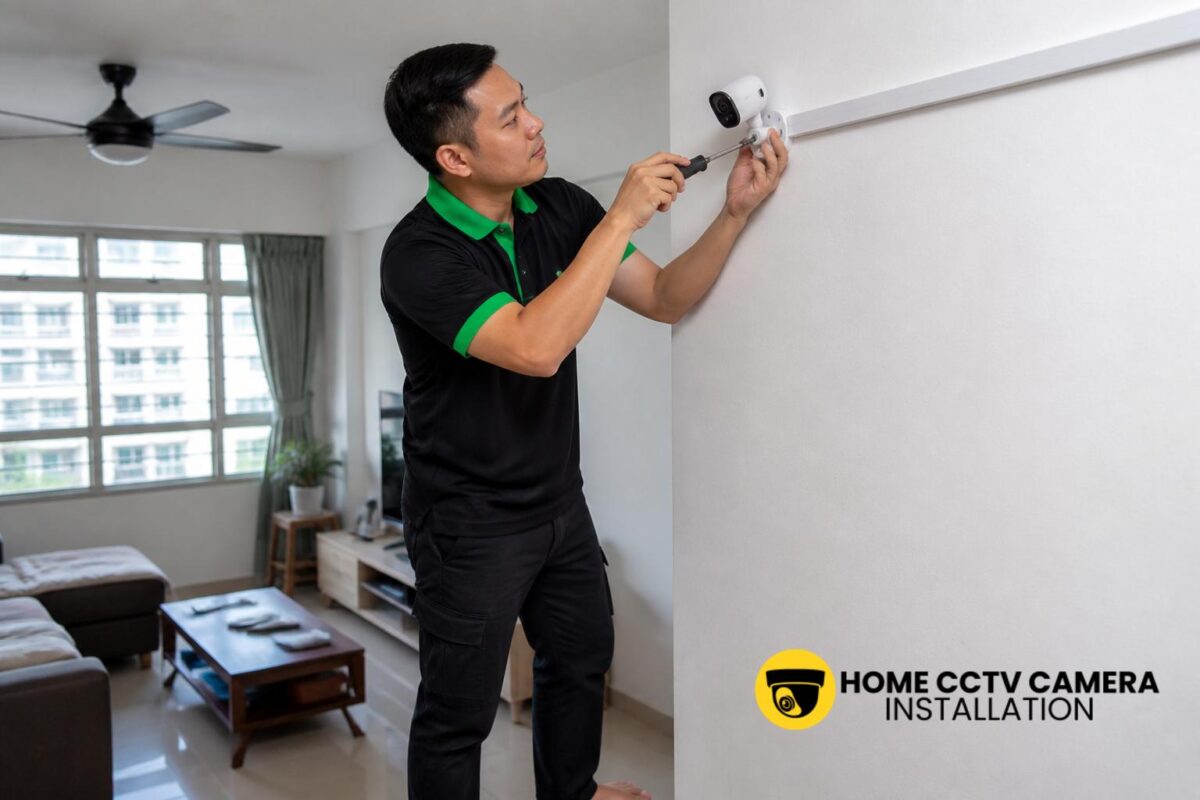
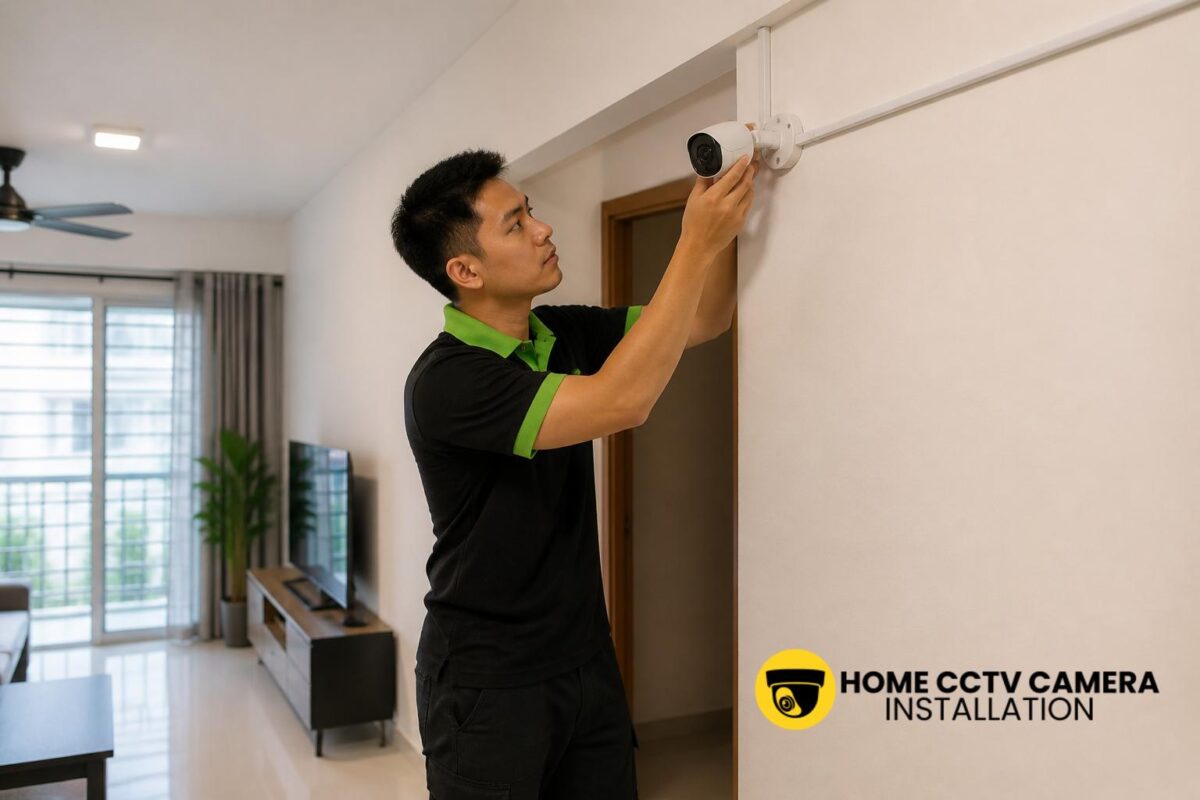
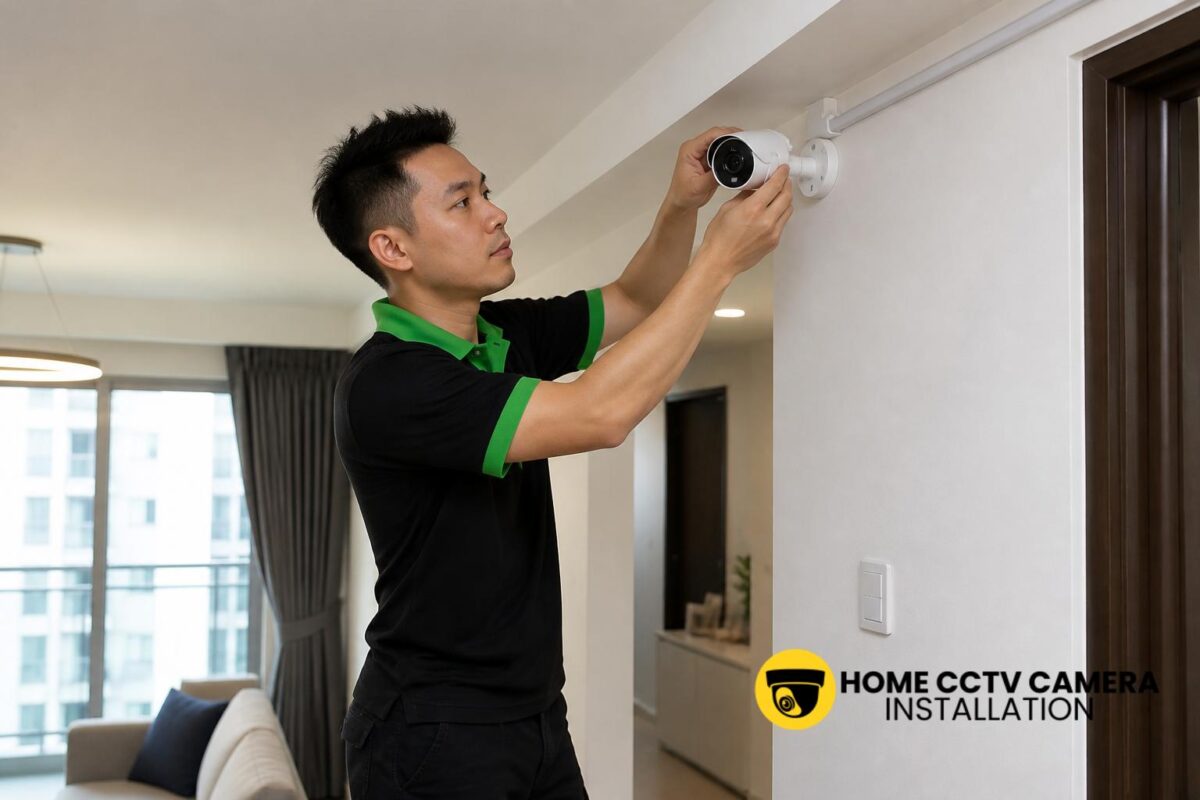
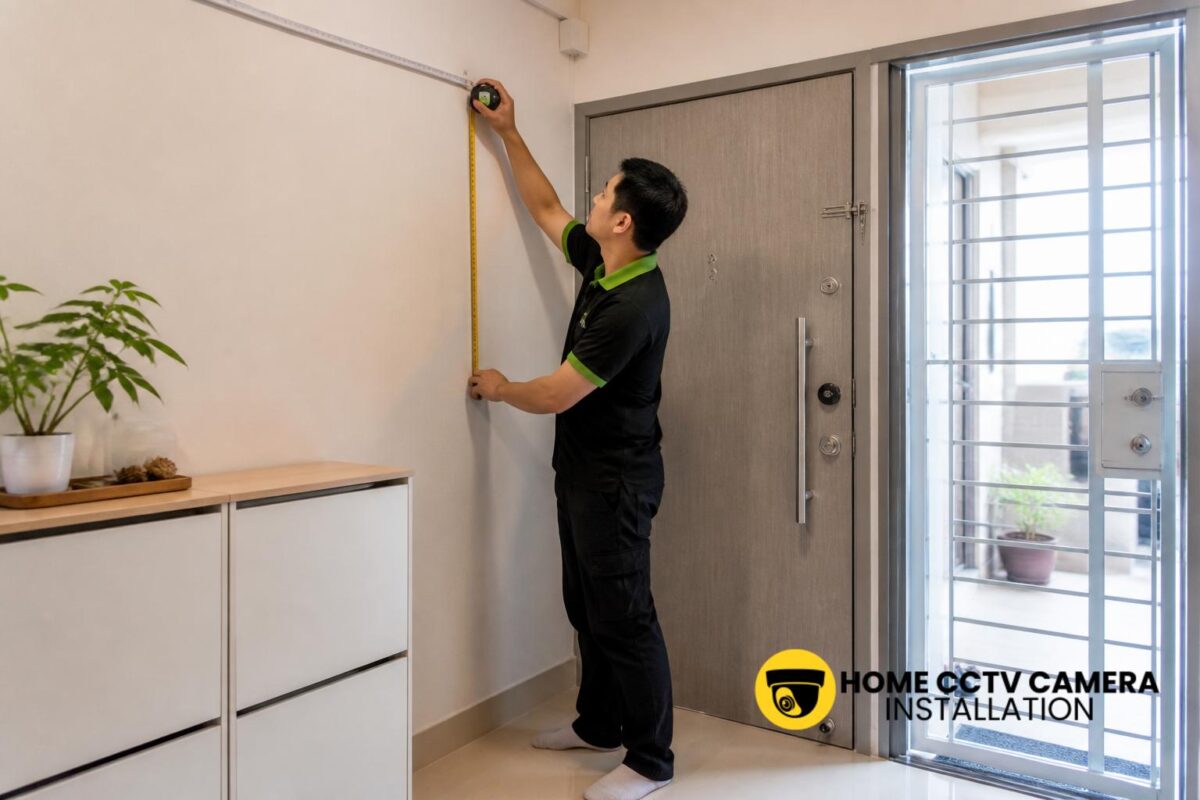
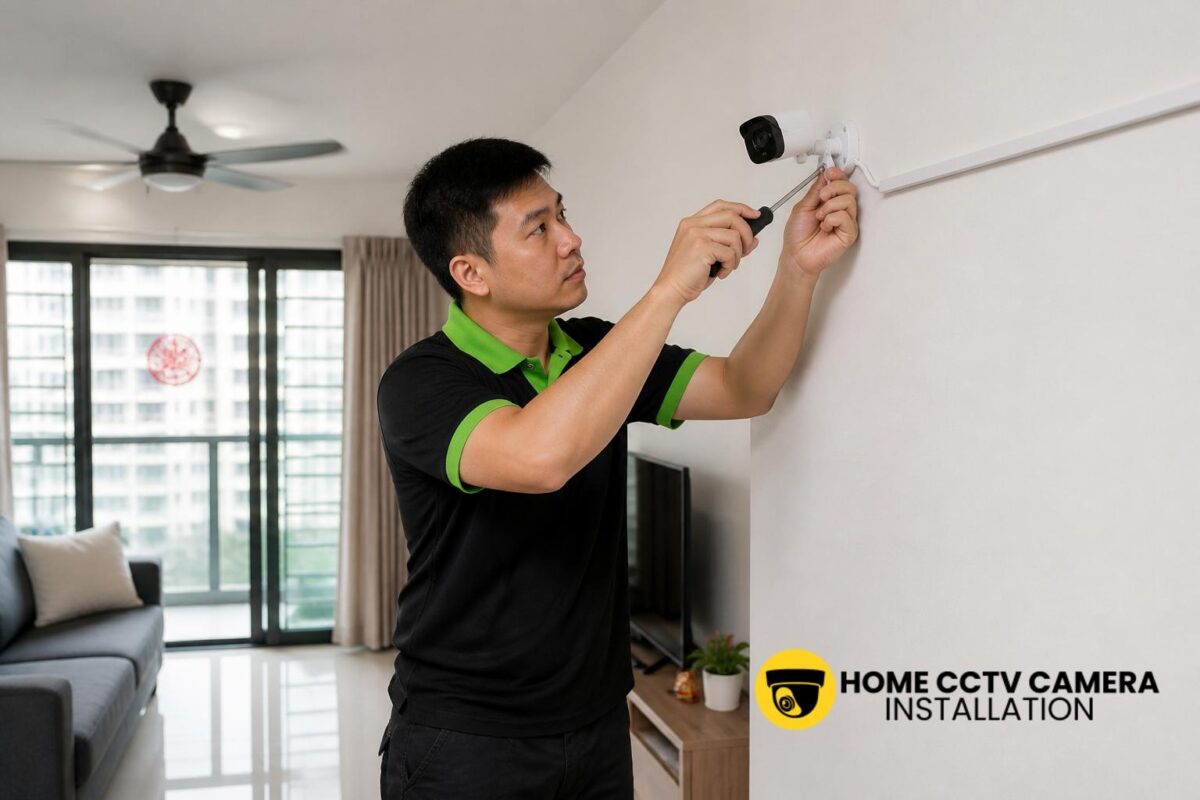
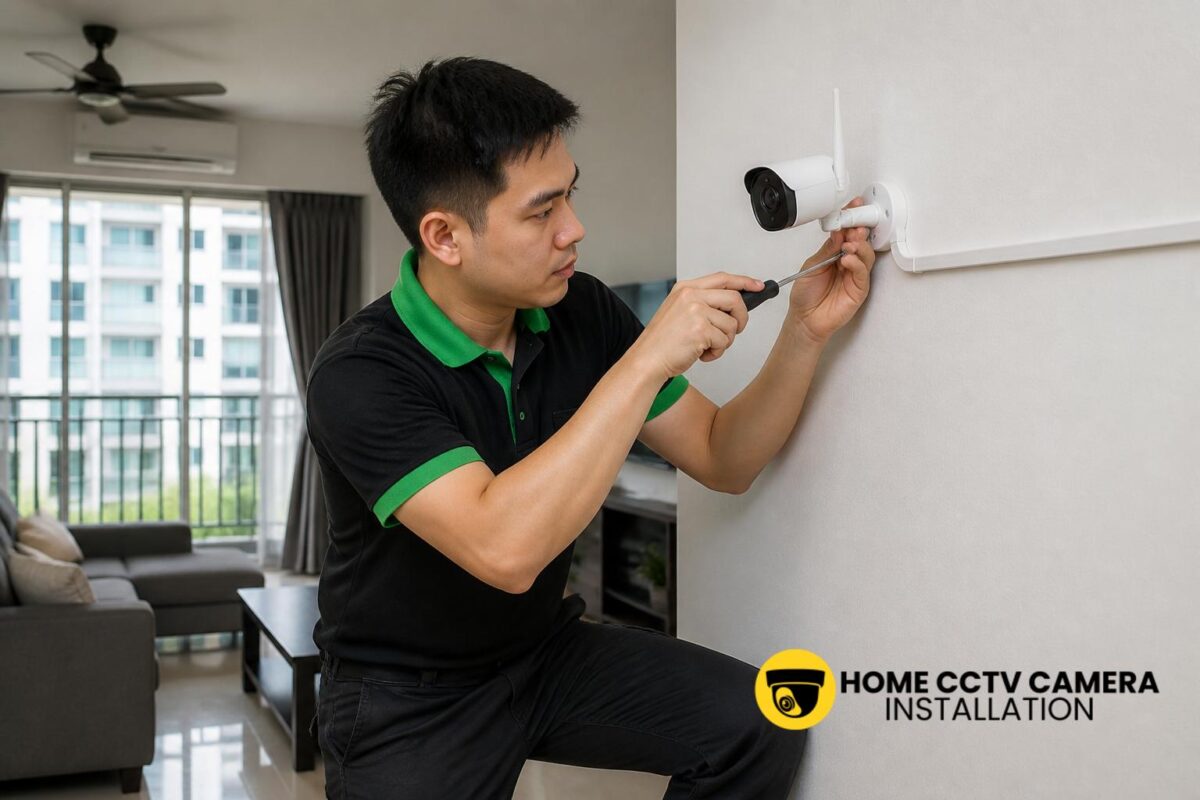
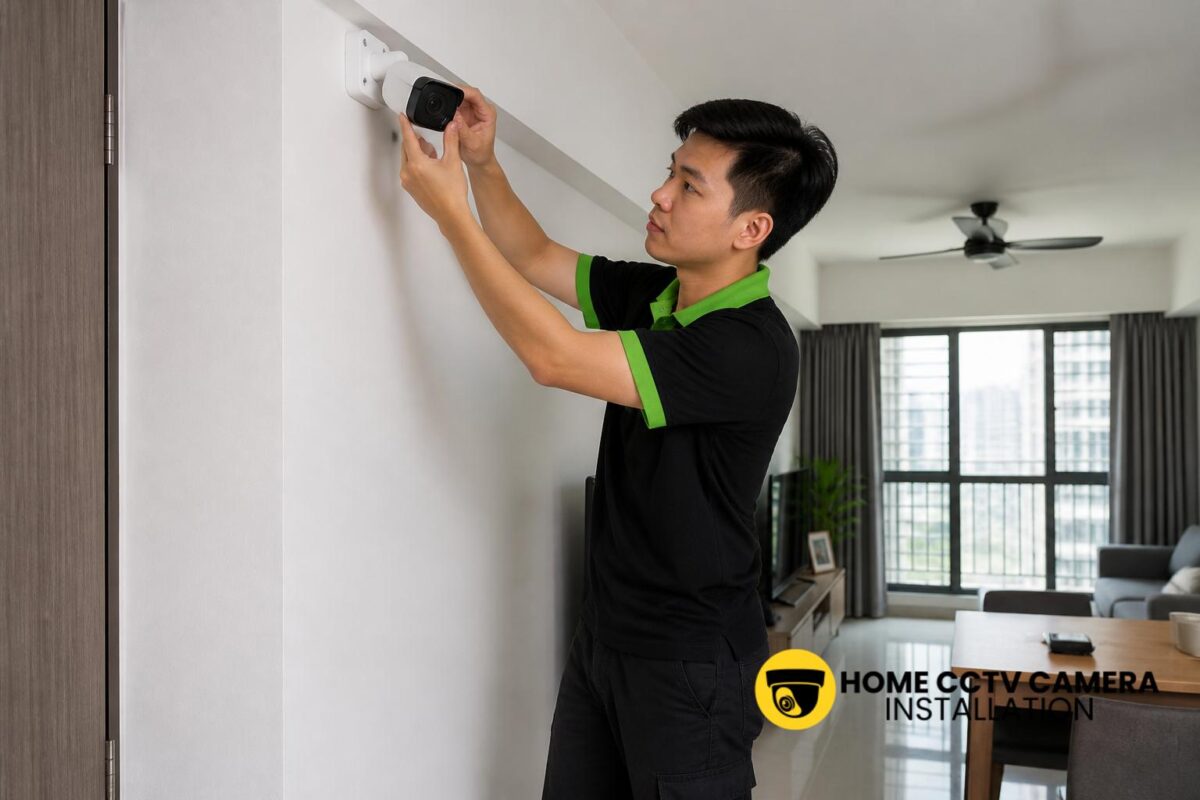
How families share access is often easier to manage when the installation has been planned properly. For wired CCTV camera supply-and-install jobs, camera placement, cable routing and power-point support can affect how comfortably the family uses the system later. A camera mounted too high, too low or in a poorly lit area may create unnecessary frustration when different family members are trying to check the view.
During installation, it is sensible to confirm the main viewing needs first. For example, does the family want the front door camera visible on every phone in the household, or only on selected devices? Will the system need one or more cameras for the entrance, living room or car porch? Is the household using customer-supplied cameras and only requiring installation-only support, or is the installer also supplying the equipment?
These practical points affect not just the hardware, but also how easily the family can share and maintain access after the installer leaves.
If you would like help planning a home CCTV setup for shared family use, WhatsApp Home CCTV Camera Installation Singapore to discuss your exact requirement and request a quotation: message us here.
Conclusion
Sharing access to a home surveillance camera works best when the household plans it deliberately. Singapore families can keep things simple by choosing the right users, using the camera app’s own sharing features, setting sensible privacy boundaries and matching permissions to real daily needs. With a well-installed system and a clear access plan, the camera becomes easier for the whole family to use without creating unnecessary confusion.
Choose Home CCTV Camera Installation Singapore
Home CCTV Camera Installation Singapore helps homeowners enhance security through professionally installed home CCTV systems across Singapore. Whether you require full supply and installation or home CCTV installation support for your home, our team ensures a clean and reliable setup.
We install a wide range of CCTV cameras, including IIP cameras, IP security cameras, surveillance cameras, and other configurations designed for residential use. Our CCTV installation services cover proper camera mounting, neat cabling, and power point installation where necessary, ensuring your home CCTV operates smoothly with clear and consistent coverage.
Home CCTV Camera Installation Singapore provides reliable Home CCTV installation services for HDB flats, condominiums, and landed homes. With a focus on quality installation and practical system planning, we help homeowners secure their living spaces with confidence. WhatsApp +65 8241 0032 to arrange your home CCTV installation today.
Frequently Asked Questions
Can every family member use the same CCTV login?
It is usually better not to share one main login with everyone. Most home camera systems are easier to manage when the owner keeps the main account and invites other family members through the app’s sharing feature, if available.
Can I let my parents or helper view only one camera?
Many camera apps support limited access, depending on the brand and model. This can be useful if you want someone to view only the front door or gate camera rather than the full system.
What should I ask about during CCTV installation if my family wants shared access?
Ask whether the camera app supports multiple users, whether permissions can be limited, how playback access works, and whether the system will be supplied and installed or installed only for customer-supplied equipment. It also helps to confirm camera locations, cabling and power-point needs during the site discussion.